Lighting
Important: The Built-In Render Pipeline is deprecated and will be made obsolete in a future release.
It remains supported, including bug fixes and maintenance, through the full Unity 6.7 LTS lifecycle.
For more information on migration, refer to Migrating from the Built-In Render Pipeline to the Universal Render Pipeline and Render pipeline feature comparison.
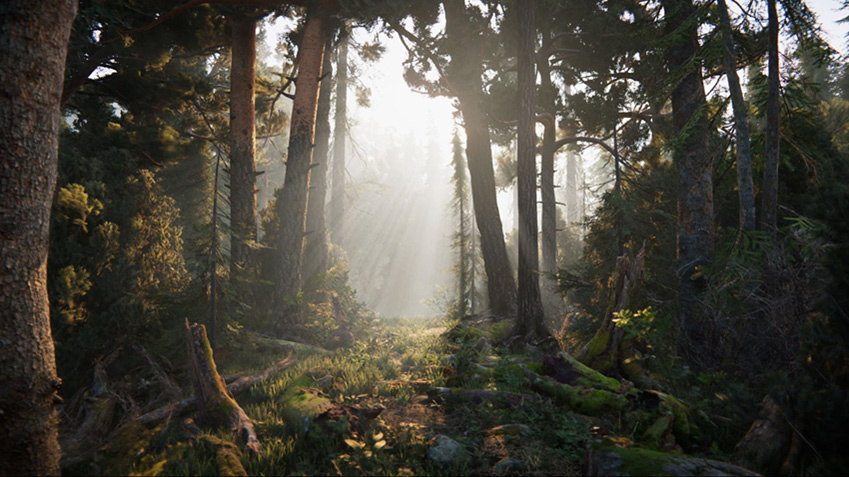
With Unity, you can achieve realistic lighting that is suitable for a range of art styles.
| Page | Description |
|---|---|
| Introduction to lighting | Resources for learning about lighting and choosing a lighting setup. |
| Lighting configuration workflow | Resources for selecting a render pipeline, configuring global lighting settings, and adding lighting elements. |
| Light sources | Resources for adding light to a scene, with Light components, ambient light, emissive materials, and cookies. |
| Direct and indirect lighting | Resources on choosing whether Unity calculates global illumination in real time, or stores baked lighting in a build. |
| ShadowsA UI component that adds a simple outline effect to graphic components such as Text or Image. It must be on the same GameObject as the graphic component. More info See in Glossary |
Techniques and resources for Lights casting shadows from a GameObject onto other parts of itself, or onto nearby GameObjects. |
| Reflections | Techniques and resources for using Reflection Probes to capture and display reflections on GameObjects. |
| Search and explore lighting-related objects | Find, inspect, and batch-edit lighting-related objects across your scene. |
| Lighting in URP | Resources and approaches for lighting in the Universal Render Pipeline (URP). |
| Lighting in the Built-In Render Pipeline | Resources and approaches for lighting in the Built-In Render Pipeline. |
| Optimize lighting | Reduce extra lighting work so Unity uses fewer draw calls and processes fewer vertices and pixels. |
| Troubleshooting emissive materials not rendering | Fix emissive materials that appear too dim or don’t contribute to global illumination. |
| Lighting reference | Explore lighting properties and settings, for example in the Lighting window, the Lighting Settings Asset, and Debug Draw Modes. |