Shadows
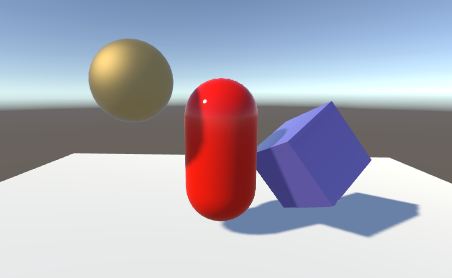
Shadows add a degree of depth and realism to a scene because they bring out the scale and position of objects that might otherwise look flat. In Unity, lights can cast shadows from a GameObject onto other parts of itself, or onto nearby GameObjects.
| Page | Description |
|---|---|
| Enable or disable shadows | Configure settings for real-time and baked shadows for each Light component. |
| Real-time shadows | Techniques and resources for shadows that use shadow mapping and shadow cascades to update shadows when lights move at runtime. |
| Troubleshooting shadows | Troubleshooting tips for shadow-related issues. |