Create a particle material in the Built-In Render Pipeline
Important: The Built-In Render Pipeline is deprecated and will be made obsolete in a future release.
It remains supported, including bug fixes and maintenance, through the full Unity 6.7 LTS lifecycle.
For more information on migration, refer to Migrating from the Built-In Render Pipeline to the Universal Render Pipeline and Render pipeline feature comparison.
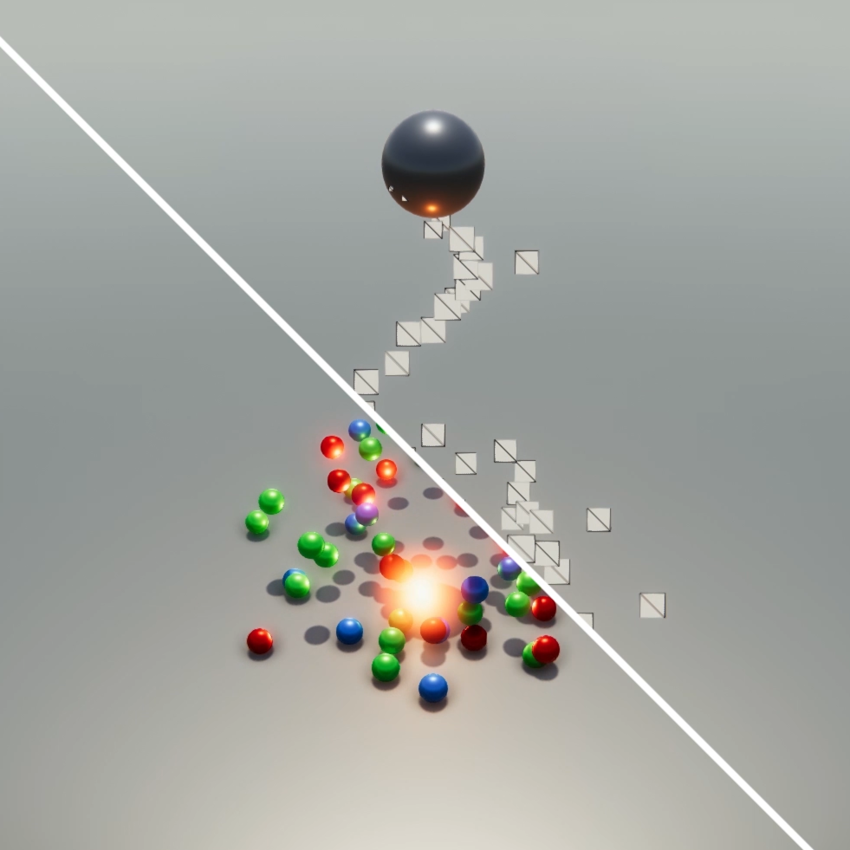
The Unity Standard Particle Shaders are built-in shaders that enable you to render a variety of Particle System effects. These shaders provide various particle-specific features that aren’t available with the Standard Shader.
To use a Particle Shader:
Select the Material you want to apply the shader to. For example, you could apply a Flame Material to a Fire Particle System effect.
In the Material’s Inspector, select Shader Particles.
Choose the Particle Shader that you want to use, such as Standard Surface.
Enable and disable the various Particle Shader properties in the Inspector.
Types of particle shader
Unity has the following types of particle shader:
- Standard Particles Surface Shader - This comes with functionality similar to the Standard Shader, but works especially well with particles. Like the Standard Shader, it supports Physically Based Shading. It does not include features that are unsuitable for dynamic particles, such as lightmapping.
- Standard Particles Unlit Shader - This simple shader is faster than the Surface Shader. It supports all of the generic particle controls, such as flipbook blending and distortion, but does not perform any lighting calculations.