Create a 2D texture array
To create a 2D texture array, import a flipbook texture. A flipbook texture contains multiple textures arranged in a grid.
Follow these steps:
Import the texture into your project.
-
In the Project window, select the texture. Unity displays the texture import settings in the Inspector window.
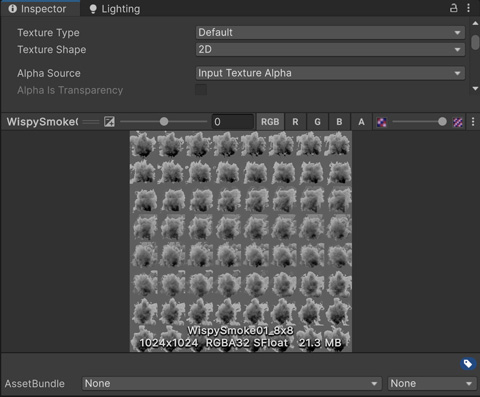
An example flipbook texture. In the Inspector window, set Texture Shape to 2D Array.
Set Columns and Rows to the appropriate values for your flipbook texture.
Select Apply.
Unity adds a texture array slice for each cell in the flipbook texture.
For more information, refer to Import a texture.