Light Probe validity in Adaptive Probe Volumes in URP
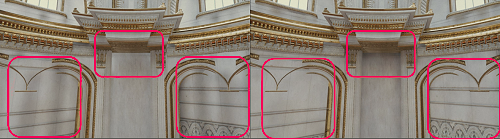
Light Probes inside geometry are called invalid probes. The Universal Render Pipeline (URP) marks a Light Probe as invalid when the probe fires sampling rays to capture surrounding light data, but the rays hit the unlit backfaces inside geometry.
URP uses the following techniques to minimise incorrect lighting data from Light Probes:
-
Virtual Offset tries to make invalid Light Probes valid, by moving their capture points so they’re outside any collidersAn invisible shape that is used to handle physical collisions for an object. A collider doesn’t need to be exactly the same shape as the object’s mesh - a rough approximation is often more efficient and indistinguishable in gameplay. More info
See in Glossary. - Dilation detects Light Probes that remain invalid after Virtual Offset, and gives them data from valid Light Probes nearby.
- Rendering LayersA layer that defines how specific effects are applied across different objects. Rendering layers don’t define draw order. They’re selection groups you assign objects to. Rendering layers let lights, decals, shadows, and custom passes include or ignore specific objects.
See in Glossary prevent objects from sampling probes that are on another Layer Mask, reducing light leaking in certain scenarios.
You can check which Light Probes are invalid using the Rendering Debugger