Set the camera background with Clear Flags in the Built-In Render Pipeline
Important: The Built-In Render Pipeline is deprecated and will be made obsolete in a future release.
It remains supported, including bug fixes and maintenance, through the full Unity 6.7 LTS lifecycle.
For more information on migration, refer to Migrating from the Built-In Render Pipeline to the Universal Render Pipeline and Render pipeline feature comparison.
Each Camera stores color and depth information when it renders its view. The portions of the screen that are not drawn in are empty, and will display the skybox by default. When you are using multiple Cameras, each one stores its own color and depth information in buffers, accumulating more data as each Camera renders. As any particular Camera in your scene renders its view, you can set the Clear Flags to clear different collections of the buffer information. To do this, choose one of the following four options:
Skybox
This is the default setting. Any empty portions of the screen will display the current Camera’s skybox. If the current Camera has no skybox set, it will default to the skybox chosen in the Lighting Window (menu: Window > Rendering > Lighting). It will then fall back to the Background Color. Alternatively a Skybox component can be added to the camera.
Solid color
Any empty portions of the screen will display the current Camera’s Background Color.
Depth only
If you want to draw a player’s gun without letting it get clipped inside the environment, set one Camera at Depth 0 to draw the environment, and another Camera at Depth 1 to draw the weapon alone. Set the weapon Camera’s Clear Flags to depth only. This will keep the graphical display of the environment on the screen, but discard all information about where each object exists in 3-D space. When the gun is drawn, the opaque parts will completely cover anything drawn, regardless of how close the gun is to the wall.
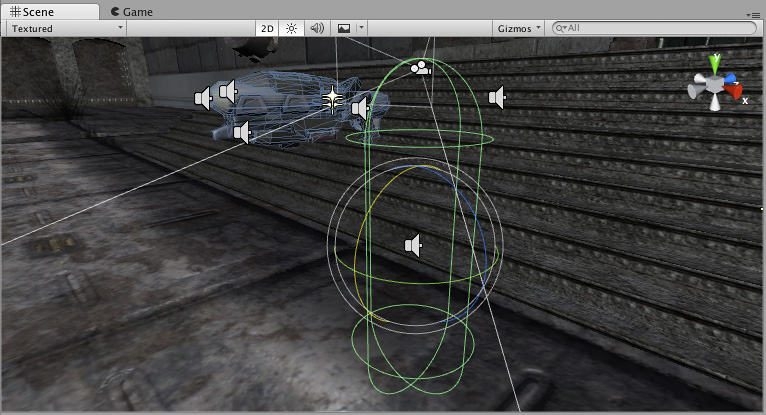
Don’t clear
This mode does not clear either the color or the depth buffer. The result is that each frame is drawn over the next, resulting in a smear-looking effect. This isn’t typically used in games, and would more likely be used with a custom shader.
Note that on some GPUs (mostly mobile GPUs), not clearing the screen might result in the contents of it being undefined in the next frame. On some systems, the screen may contain the previous frame image, a solid black screen, or random colored pixels.