Introduction to animation clips
Animation clips are one of the core elements of Unity’s animation system. Unity supports importing animation from external sources. You can create animation clips with the Animation window.
Animation from external sources
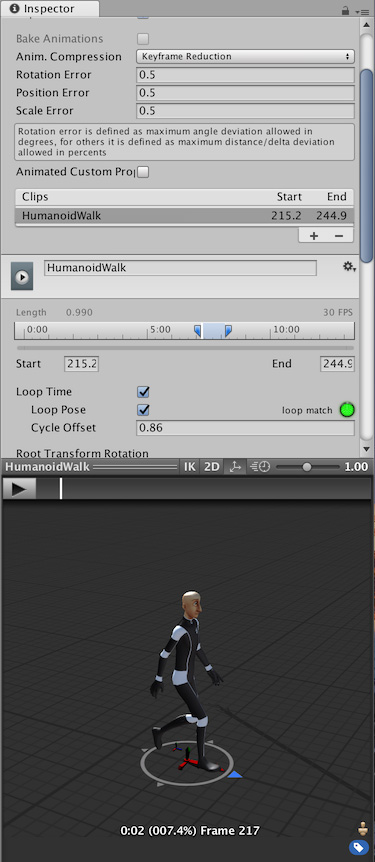
You can import the following types of Animation clips from external sources:
- Humanoid animations captured at a motion capture studio.
- Animations created from scratch by an artist in an external 3D application (such as Autodesk® 3ds Max® or Autodesk® Maya®).
- Animation sets from third party libraries from Unity’s Asset Store.
- Multiple animation clips cut from a single imported motion file.
Create and edit animation clips within Unity
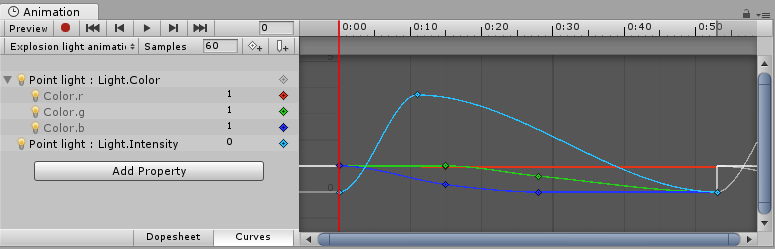
You can also create and edit animation clips in Unity’s Animation window. These clips can animate:
- The position, rotation, and scale of GameObjects.
- Component properties such as material color, the intensity of a light, and the volume of a sound.
- Properties within your own scripts including float, integer, enum, vector, and Boolean variables.
- The timing of calling functions within your own scripts.