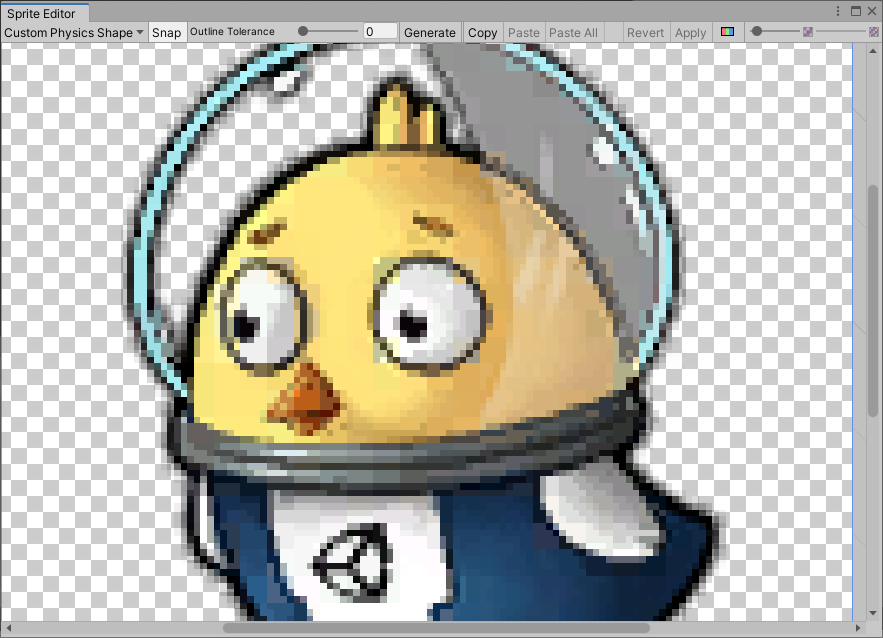
Custom Physics Shape エディターを開く
Custom Physics Shape モジュールを開くには、Project ウィンドウで、編集したいスプライトを選択します。スプライトを Sprite Editor ウィンドウで開くには、スプライトの Inspector ウィンドウで、Sprite Editor ボタンを選択します。
Custom Physics Shape を開くには、Sprite Editor ウィンドウで左上のドロップダウンメニューを開き、Custom Physics Shape モジュールを選択します。