扩展 IMGUI
可借助多种方法利用和扩展 IMGUI 系统,从而满足您的需求。您可以混合并创建控件,并充分控制 GUI 用户输入的处理方式。
复合控件
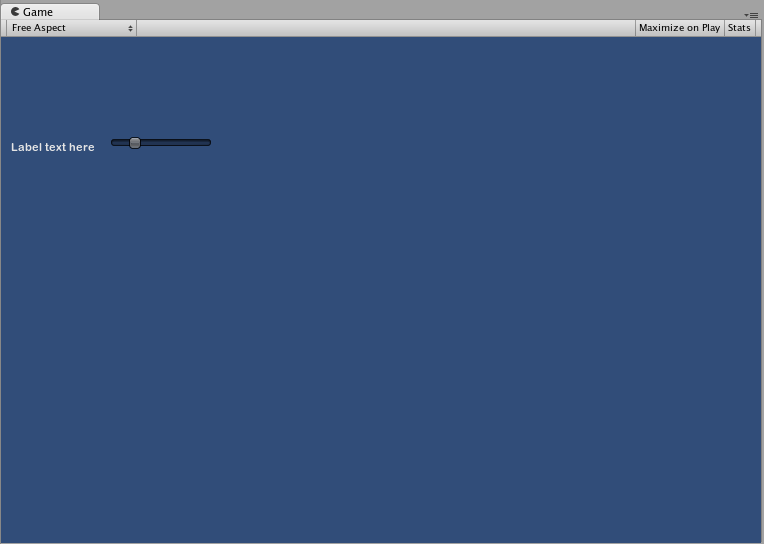
GUI 中可能存在两种类型的控件总是一起出现的情况。例如,假设正在创建具有多个水平滑动条 (Horizontal Slider) 的“角色创建 (Character Creation)”屏幕。所有这些滑动条 (Slider) 都需要一个标签 (Label) 来进行标识,让玩家知道自己正在调整什么。在这种情况下,可将每个 GUI.Label() 调用与 GUI.HorizontalSlider() 调用进行搭配,或者可创建一个同时包含 Label 和 Slider 的__复合控件__。
// Label and Slider Compound Control

using UnityEngine;
using System.Collections;

public class GUITest : MonoBehaviour {

    private float mySlider = 1.0f;

    void OnGUI () {
        mySlider = LabelSlider (new Rect (10, 100, 100, 20), mySlider, 5.0f, "Label text here");
    }

    float LabelSlider (Rect screenRect, float sliderValue, float sliderMaxValue, string labelText) {
        GUI.Label (screenRect, labelText);

        // <- Push the Slider to the end of the Label
        screenRect.x += screenRect.width;

        sliderValue = GUI.HorizontalSlider (screenRect, sliderValue, 0.0f, sliderMaxValue);
        return sliderValue;
    }

}
在此示例中,调用 LabelSlider() 并传递正确的参数将提供与水平滑动条 (Horizontal Slider) 配对的标签 (Label)。创建复合控件时,必须记住需要在函数末尾返回正确的值以使其具有交互性。
静态复合控件
通过使用 Static 函数,可以创建自成一体的完整复合控件集合。这样,就不必在需要使用函数的同一脚本中声明该函数。
// This script is called CompoundControls
using UnityEngine;
using System.Collections;

public class CompoundControls : MonoBehaviour {

    public static float LabelSlider (Rect screenRect, float sliderValue, float sliderMaxValue, string labelText) {
        GUI.Label (screenRect, labelText);

        // <- Push the Slider to the end of the Label
        screenRect.x += screenRect.width;

        sliderValue = GUI.HorizontalSlider (screenRect, sliderValue, 0.0f, sliderMaxValue);
        return sliderValue;
    }

}
通过将以上示例保存在名为 CompoundControls 的脚本中,只需输入 CompoundControls.LabelSlider() 并提供参数,即可从任何其他脚本调用 LabelSlider() 函数。
精心设计的复合控件
可使用复合控件实现出色的创造性。可按任何喜欢的方式对复合控件进行排列和分组。以下示例将创建可重复使用的 RGB Slider。
// RGB Slider Compound Control

using UnityEngine;
using System.Collections;

public class GUITest : MonoBehaviour {

    public Color myColor;

    void OnGUI () {
        myColor = RGBSlider (new Rect (10,10,200,10), myColor);
    }

    Color RGBSlider (Rect screenRect, Color rgb) {
        rgb.r = GUI.HorizontalSlider (screenRect, rgb.r, 0.0f, 1.0f);

        // <- Move the next control down a bit to avoid overlapping
        screenRect.y += 20;
        rgb.g = GUI.HorizontalSlider (screenRect, rgb.g, 0.0f, 1.0f);

        // <- Move the next control down a bit to avoid overlapping
        screenRect.y += 20;

        rgb.b = GUI.HorizontalSlider (screenRect, rgb.b, 0.0f, 1.0f);
        return rgb;
    }
}
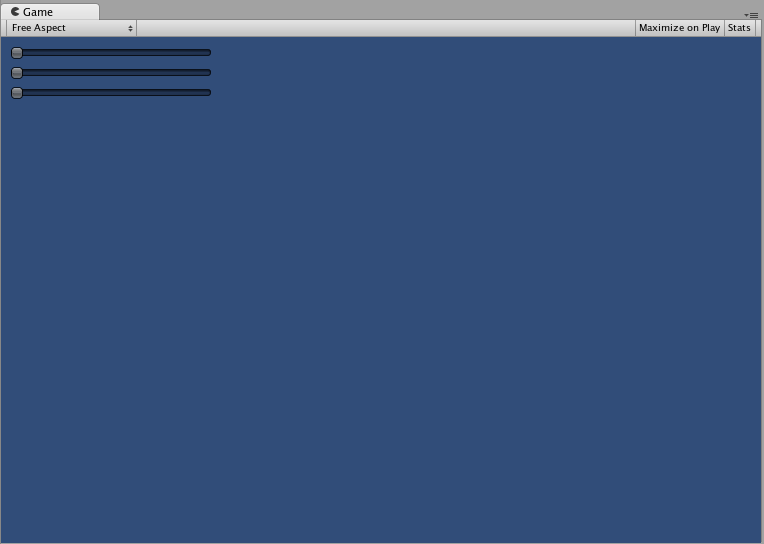
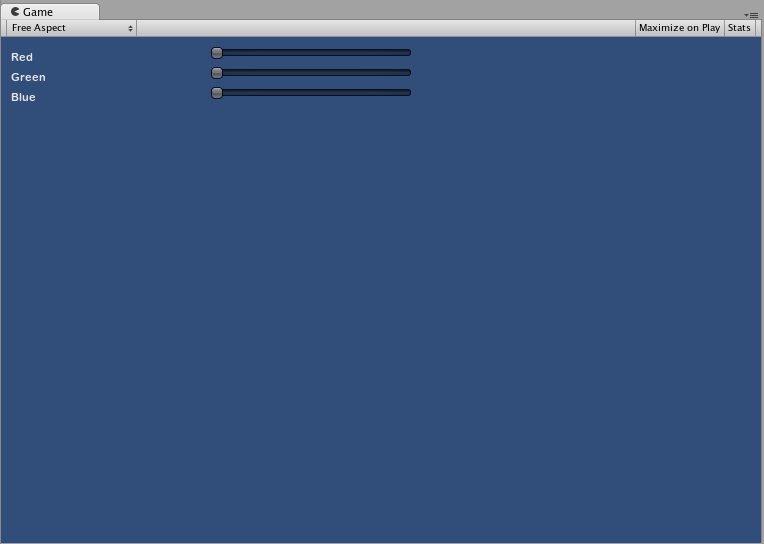
现在让我们构建一些位于彼此之上的复合控件,从而演示如何在复合控件中使用其他复合控件。为此,我们将创建如上所示的新 RGB Slider,但我们将使用 LabelSlider 来执行此操作。这样我们将始终有一个标签显示哪个滑动条对应哪种颜色。
// RGB Label Slider Compound Control

using UnityEngine;
using System.Collections;

public class GUITest : MonoBehaviour {

    public Color myColor;

    void OnGUI () {
        myColor = RGBSlider (new Rect (10,10,200,30), myColor);
    }

    Color RGBSlider (Rect screenRect, Color rgb) {
        rgb.r = CompoundControls.LabelSlider (screenRect, rgb.r, 1.0f, "Red");

        // <- Move the next control down a bit to avoid overlapping
        screenRect.y += 20;
        rgb.g = CompoundControls.LabelSlider (screenRect, rgb.g, 1.0f, "Green");

        // <- Move the next control down a bit to avoid overlapping
        screenRect.y += 20;

        rgb.b = CompoundControls.LabelSlider (screenRect, rgb.b, 1.0f, "Blue");

        return rgb;
    }

}