Introduction to level of detail
Level of detail (LOD) is a technique that improves performance by reducing the rendering workload.
Without a LOD solution, Unity renders an object with the same complexity no matter the size of the object on the screen. For example, in one frame, a 3D model of a building might occupy the whole game view. Then a player moves away from the building and it might be only a few pixels high on the screen, but Unity has to render the same mesh.
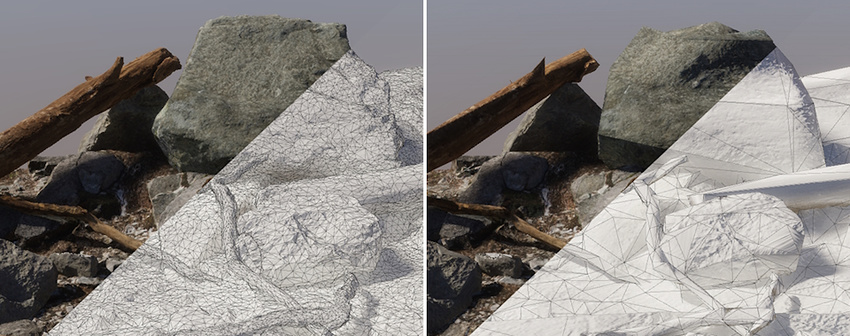
With a LOD solution, as a GameObject becomes smaller on the screen, Unity can reduce the rendering workload using one or a combination of the following approaches:
Reduce the number of polygons to render.
Reduce the complexity or the number of materials to render.
Reduce the number of Mesh Renderer components.
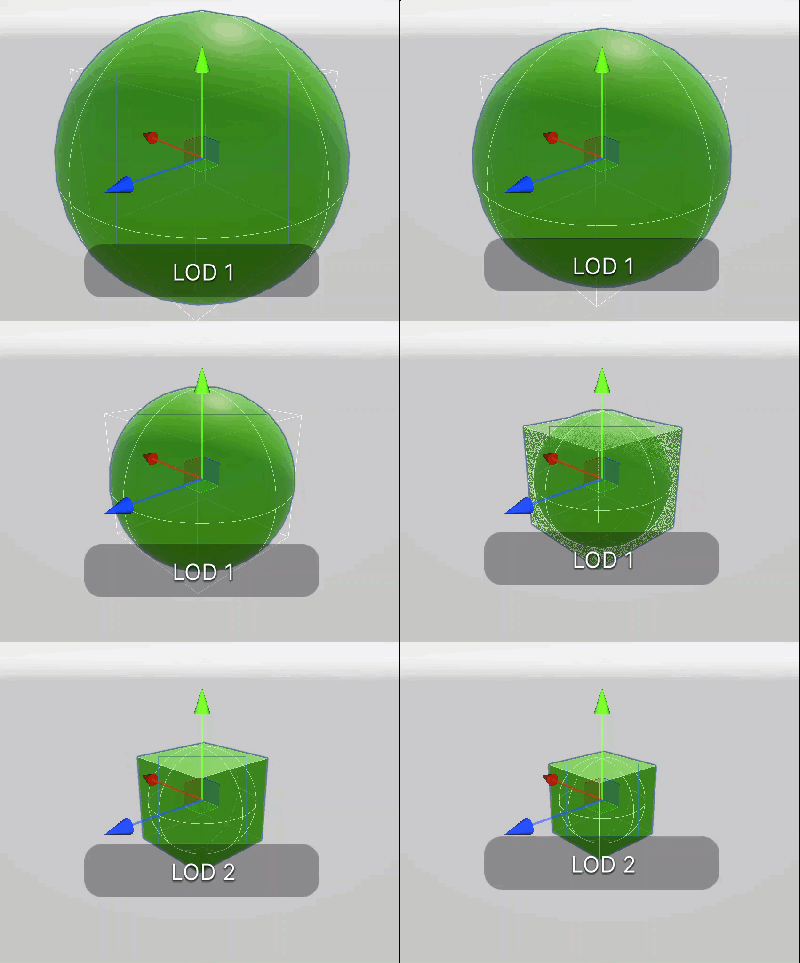
Unity refers to objects representing levels of detail using indices, where a LOD with index 0 (LOD0) represents the most detailed LOD, and LODs with higher indices have progressively lower amounts of detail (LOD1, LOD2, and so on).
LOD features in Unity
Unity implements two different LOD features:
Each feature has its advantages and uses a different format for LOD objects. The following table provides a comparison of key characteristics of the features.
| Mesh LOD | LOD Group |
|---|---|
| The feature focuses on reducing the number of polygons to draw with minimum memory footprint and computational overhead. Does not optimize materials or number of draw calls. | A flexible solution with a larger memory footprint and computational overhead. When authoring LOD objects, you have the following optimization options for each LOD:
|
| Provides the option to create LODs automatically on model import. | Requires manual authoring of each LOD mesh in an external tool. |
| Unity stores each LOD in the index buffer of the original mesh. | Each LOD is one or a set of Mesh Renderer components. Users can access and configure each LOD using the Editor interface. |
| Provides a smaller memory footprint compared with LOD Group. Has a smaller rendering workload overhead compared to LOD Group because Mesh LOD does not use any extra GameObjects, components, or meshes. | Has a larger memory footprint and computational overhead compared with Mesh LOD. |
| Provides parameters that control LOD transitions implicitly. | Lets users explicitly specify object size on screen at which a LOD transition occurs per LOD index. |
LOD transitions
By default, Unity displays one LOD at a time. When Unity transitions from one LOD to another, the transition is noticeable and abrupt.
To make LOD transitions smooth, enable LOD cross-fading. Unity renders both the current and the next LOD, and blends them together.
For more information, refer to:
Additional resources