Troubleshooting cameras
Solve common issues with cameras, such as flickering lights and shadows.
Reduce flickering
Symptoms
Objects, lights, and shadows flicker if they’re far away.
Cause
The flickering occurs because distances are too large to calculate positions precisely with floating point math. In each frame, the object, light, or shadow is at a slightly different position, so it moves in and out of the view frustum.
Resolution
To minimize flickering, use one of the following approaches:
- Reduce the far clipping plane distance in the Camera Inspector window to avoid the distance of objects becoming too large for precise calculations.
- Make everything in your scene smaller, to reduce distances across your whole scene.
- Enable camera-relative culling, so Unity uses the camera position as the relative position for shadow calculations. For more information, refer to Culling settings in Graphics settings.
Reduce tearing
Symptoms
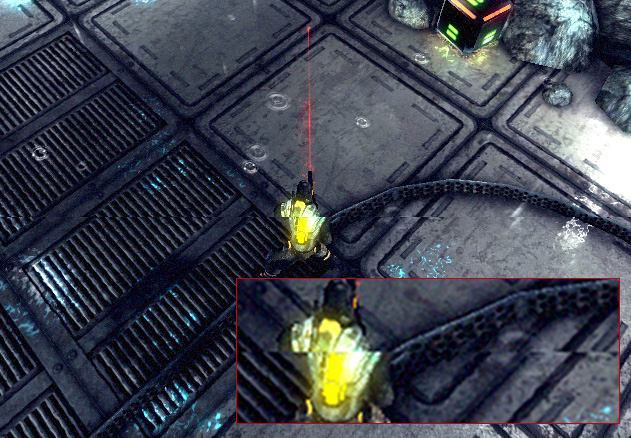
A ‘tear’ across the screen, where the top and bottom halves don’t match up.
Cause
Updates in Unity aren’t synchronized with updates of the display device, so Unity might send a new frame while the display device is still rendering the previous frame. This results in a visible ‘tear’ at the position the frame changes.
Resolution
To reduce tearing, go to Edit > Project Settings > Quality, then set VSync Count to one of the following:
- Every V Blank to send frames only during the periods when the display device isn’t updating, which is called its vertical blank.
- Every Second V Blanks to send frames during every other vertical blank. Use this value if your project takes longer than one update of the display device to render a frame.