Controls
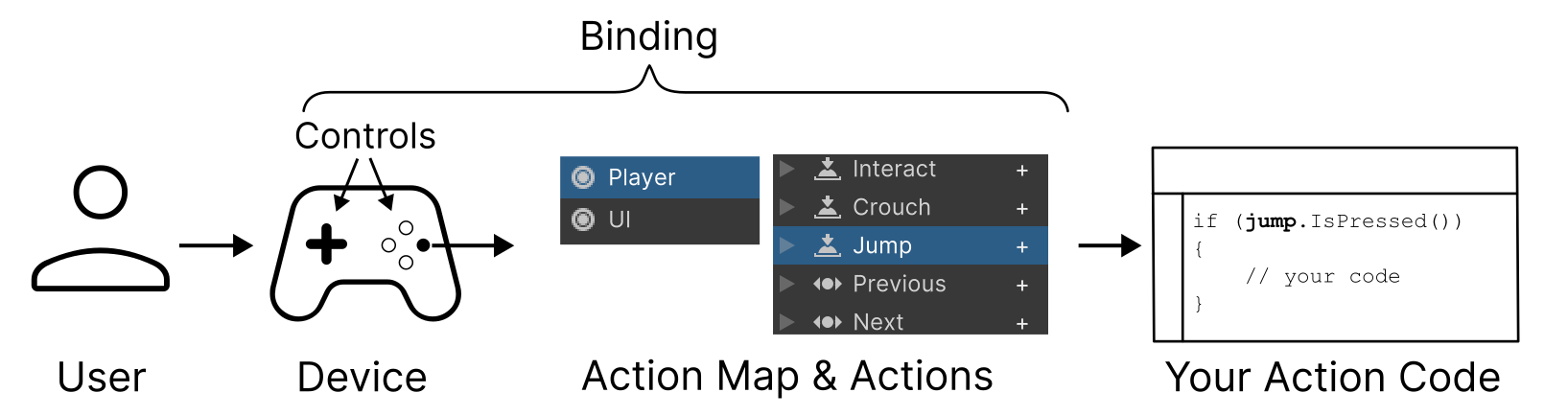
A control is a part of a device that sends values to the Input System when actuated, such as the buttons and sticks on a gamepad, or the keys on a keyboard.
| Topic | Description |
|---|---|
| Introduction to controls | An introduction to the concept of controls. |
| Control hierarchies | Learn about how controls are arranged hierarchically. |
| Control types reference | The types of control defined in the Input System. |
| Control usages | Understand what a control usage is. |
| Control paths | Learn about control paths and how to use them to refer to controls. |
| Control state | Details about how a control's state is stored and accessed. |
| Record control state history | How to record a control's state history over time. |
| Control actuation | Whether or not a control is currently being used by the user. |
| Noisy controls | Controls which can change value without any actual or intentional user interaction such as the accelerometer. |
| Synthetic controls | A type of virtual control with values synthesized from input from a physical control on the device. |
| Optimize controls | Detailed information about increasing input performance in some specialized scenarios. |