Introduction to post-processing in URP
The Universal Render Pipeline (URP) includes an integrated implementation of post-processingA process that improves product visuals by applying filters and effects before the image appears on screen. You can use post-processing effects to simulate physical camera and film properties, for example Bloom and Depth of Field. More info post processing, postprocessing, postprocess
See in Glossary effects. This implementation uses the volume framework for post-processing effects.
URP is not compatible with the Post Processing Stack v2 package.
The images below show a scene with and without URP post-processing:
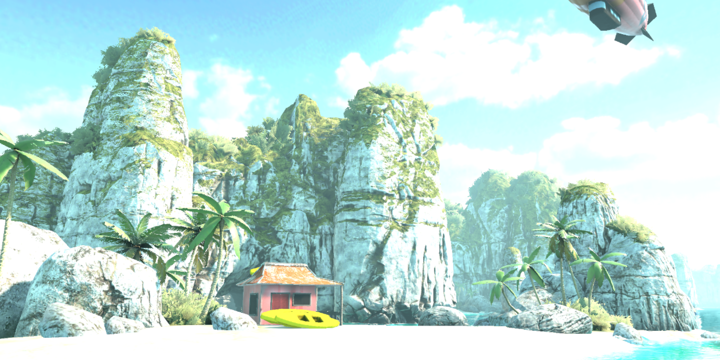

Note: URP does not support Post-processing on OpenGL ES 2.0.
Post-processing in URP for mobile devices
Post-processing effects can take up a lot of frame time. If you’re using URP for mobile devices, these effects are the most “mobile-friendly” by default:
- Bloom (with High Quality Filtering disabled)
- Chromatic Aberration
- Color Grading
- Lens Distortion
- Vignette
Note: For depth-of field, Unity recommends that you use Gaussian Depth of Field for lower-end devices. For console and desktop platforms, use Bokeh Depth of Field.
Post-processing in URP for VR
In VR apps and games, certain post-processing effects can cause nausea and disorientation. To reduce motion sickness in fast-paced or high-speed apps, use the Vignette effect for VR, and avoid the effects Lens Distortion, Chromatic Aberration, and Motion Blur for VR.