Introduction to render pipelines
Important: The Built-In Render Pipeline is deprecated and will be made obsolete in a future release.
It remains supported, including bug fixes and maintenance, through the full Unity 6.7 LTS lifecycle.
For more information on migration, refer to Migrating from the Built-In Render Pipeline to the Universal Render Pipeline and Render pipeline feature comparison.
A render pipeline takes the objects in a scene and displays them on-screen.
How a render pipeline works
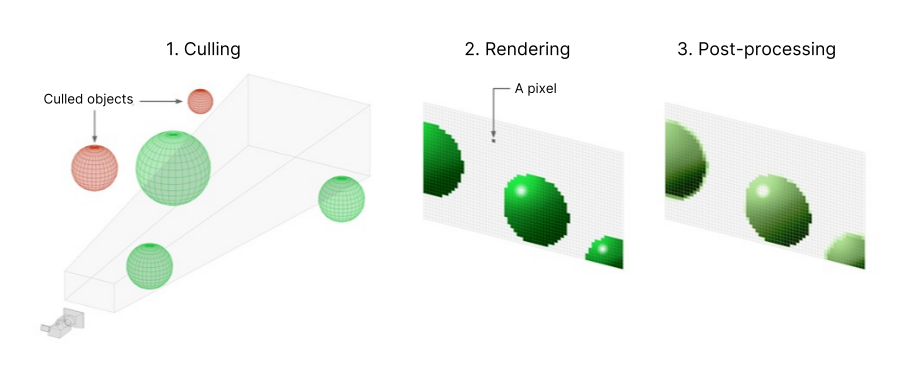
A render pipeline follows these steps:
- Culling, where the pipeline decides which objects from the scene to display. This usually means it removes objects that are outside the camera view (frustum culling) or hidden behind other objects (occlusion cullingA process that disables rendering GameObjects that are hidden (occluded) from the view of the camera. More info
See in Glossary). - Rendering, where the pipeline draws the objects with their correct lighting into pixel buffers.
- Post-processing, where the pipeline modifies the pixel buffers to generate the final output frame for the display. Example of modifications include color grading, bloom, and depth of field.
A render pipeline repeats these steps each time Unity generates a new frame.
Render pipelines in Unity
In Unity, you can choose between different render pipelines. Unity provides three prebuilt render pipelines with different capabilities and performance characteristics, or you can create your own.
The Universal Render Pipeline (URP) is a Scriptable Render Pipeline that you can customize. It lets you create scalable graphics across a wide range of platforms.
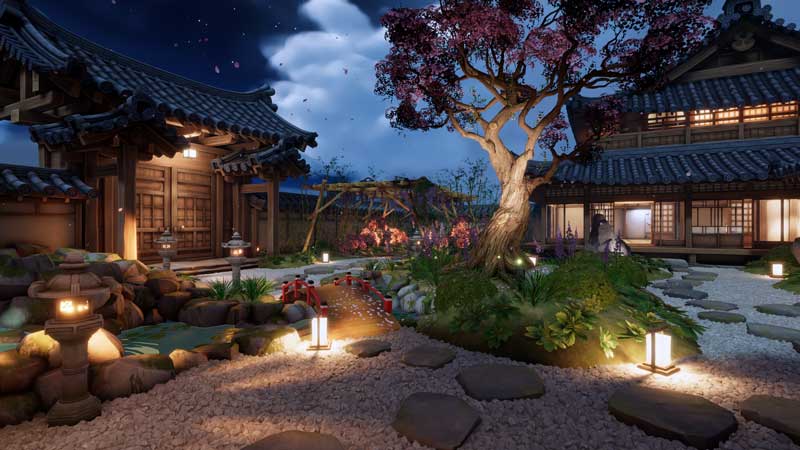
The High Definition Render Pipeline (HDRP) is a Scriptable Render Pipeline that lets you create cutting-edge, high-fidelity graphics on high-end platforms.

The Built-In Render Pipeline is a general purpose render pipeline with limited options for customization.
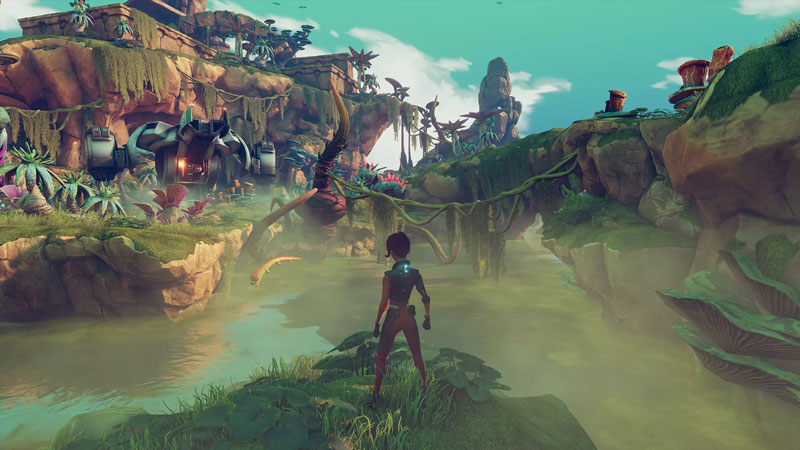
The Scriptable Render Pipelines let you inspect and change how culling, rendering, and post-processing work directly in C#. This level of customization is also possible in the Built-In Render Pipeline when you purchase access to the Unity engine’s source code in C++.
If you’re an experienced graphics developer with advanced customization needs, you can also create your own custom render pipeline using Unity’s Scriptable Render Pipeline API.
Refer to Choose a render pipeline for more information about choosing the right pipeline for your project.