Render a camera view to a Render Texture
To create a live scene camera in your game, follow these steps:
- To create a Render Texture, go to Assets > Create > Rendering > Render Texture.
- Select GameObject > Camera to create a second camera.
- Assign the Render Texture to the Target Texture property in the second camera’s Inspector window.
- Select GameObject > 3D Object > Quad to create a quad.
- Drag the Render Texture onto the quad. Unity automatically creates and assigns a material that uses the Render Texture.
- Enter Play mode. The quad displays the camera view, which updates in real time.
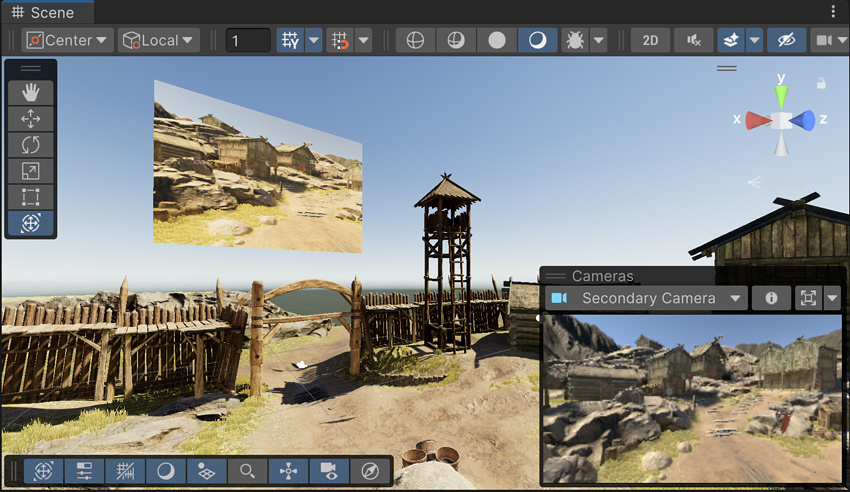
The result of the previous steps. The quad in the sky displays the live view from the Secondary Camera.