Direct blending
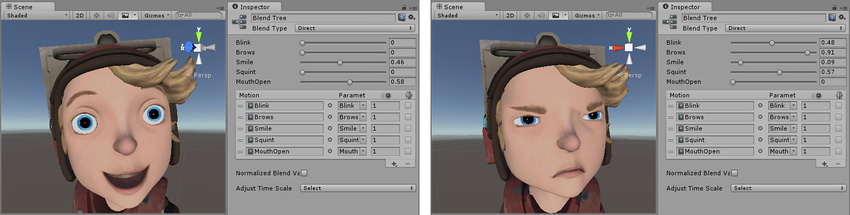
Use a Direct Blend Tree to map animator parameters to the weight of a BlendTree child. This is useful when you want exact control over blending animations rather than the indirectly control provided by 1D blending or 2D blending.
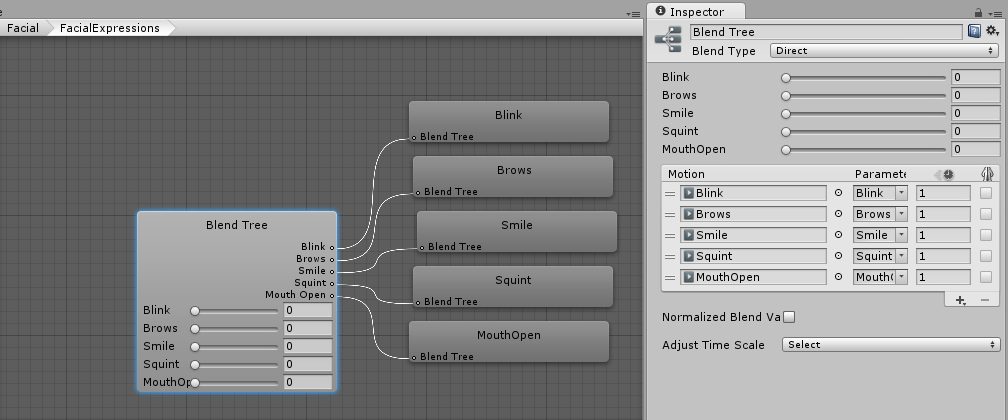
In direct blending, you use the Inspector window to add motions and to also assign an Animator Parameter to each blend weight. This Direct mode bypasses 2D blending algorithms, such as Freeform Directional and Freeform Cartesian, and allows you to implement a scripting solution to control the mix of blended animations.
For example, you can use Direct mode to to mix blend shape animations for facial expressions or to blend additive animations.