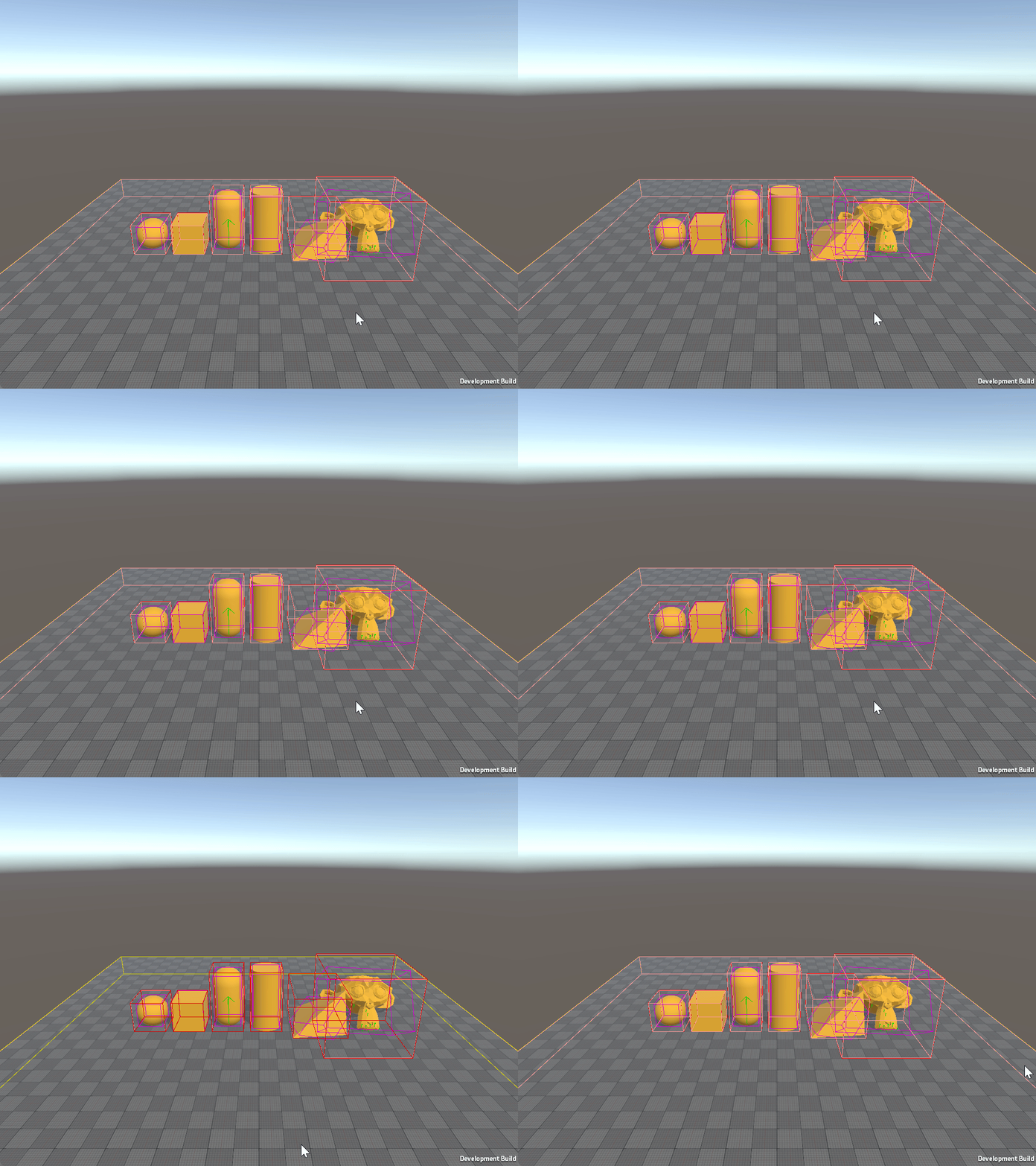
Use Physics Debug Display at runtime
Enable the Physics Debug Display component in Player builds and toggle its properties at runtime.
Enable Physics Debug Display
Important: PhysicsDebugDisplayData helps you debug physics behavior in-game, but it can affect performance. Don't enable ENABLE_UNITY_PHYSICS_RUNTIME_DEBUG_DISPLAY outside of development builds.
To enable the Physics Debug Display component in Player builds:
- Navigate to Edit > Project Settings > Physics > Unity Physics.
- Enable the Enable Player Debug Display project setting, or manually add the
ENABLE_UNITY_PHYSICS_RUNTIME_DEBUG_DISPLAYscripting define symbol to your Player settings.
Toggle parameters at runtime
The following script modifies PhysicsDebugDisplayData at runtime by accessing the component and updating its values. Refer to the property table to choose which debug options to enable or disable.
#if ENABLE_UNITY_PHYSICS_RUNTIME_DEBUG_DISPLAY
using Unity.Burst;
using Unity.Entities;
using Unity.Physics.Authoring;
using UnityEngine;

[RequireMatchingQueriesForUpdate]
[UpdateInGroup(typeof(PhysicsDebugDisplayGroup))]
[BurstCompile]
partial struct RuntimePhysicsDebugDisplayDataManager : ISystem
{
    [BurstCompile]
    public void OnCreate(ref SystemState state)
    {
        state.RequireForUpdate<PhysicsDebugDisplayData>();
    }

    [BurstCompile]
    public void OnUpdate(ref SystemState state)
    {
        var debugDisplayData = SystemAPI.GetSingleton<PhysicsDebugDisplayData>();

        if (Input.GetKeyDown(KeyCode.Alpha1))
            debugDisplayData.DrawColliders ^= 1;

        if (Input.GetKeyDown(KeyCode.Alpha2))
            debugDisplayData.DrawColliderEdges ^= 1;

        if (Input.GetKeyDown(KeyCode.Alpha3))
            debugDisplayData.DrawContacts ^= 1;

        // Enable others:
        //debugDisplayData.DrawCollisionEvents ^= 1;
        //debugDisplayData.DrawColliderAabbs ^= 1;
        //debugDisplayData.DrawTriggerEvents ^= 1;
        //debugDisplayData.DrawJoints ^= 1;
        //debugDisplayData.DrawMassProperties ^= 1;
        //debugDisplayData.DrawBroadphase ^= 1;
        //debugDisplayData.ColliderEdgesDisplayMode = (PhysicsDebugDisplayMode)((byte)debugDisplayData.ColliderEdgesDisplayMode ^ 1);
        //debugDisplayData.ColliderAabbDisplayMode = (PhysicsDebugDisplayMode)((byte)debugDisplayData.ColliderAabbDisplayMode ^ 1);
        //debugDisplayData.ColliderDisplayMode = (PhysicsDebugDisplayMode)((byte)debugDisplayData.ColliderDisplayMode ^ 1);

        SystemAPI.SetSingleton(debugDisplayData);
    }
}
#endif