Unity Cloud Data Streaming | Experimental
Important: This package is still in an experimental phase, so there may be frequent and important API changes.
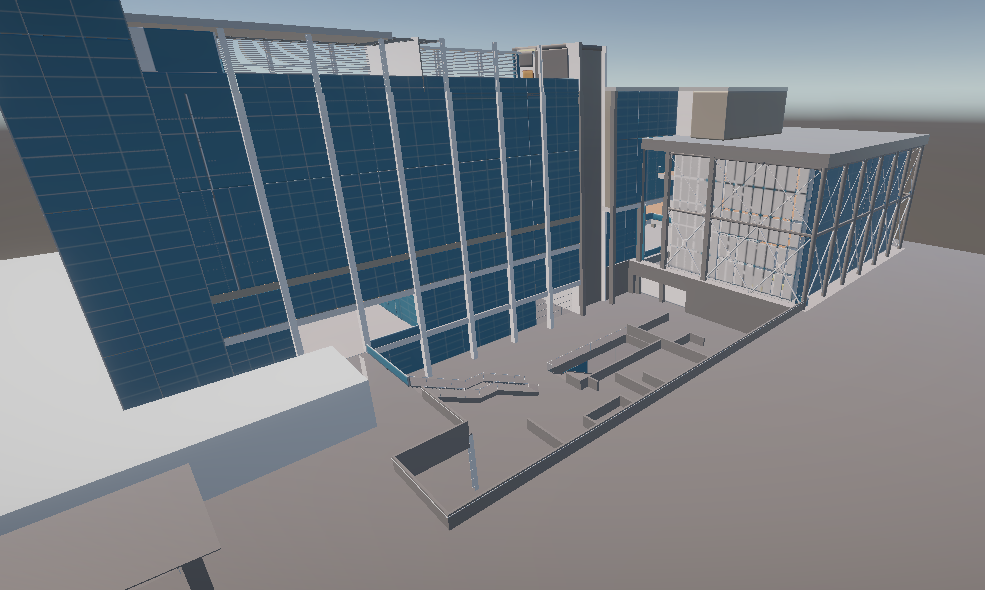
Use the Unity Cloud Data Streaming package to stream 3D data from inside the Unity Editor or a Unity application.
| Topic | Description |
|---|---|
| Installation | Install the package. |
| What's new | Information about additions and updates to this package. |
| Upgrade | Upgrade the package. |
| Troubleshooting | Issues you might have while using the package. |
| Get started | Get started with the package. |
| Use case: Load a scene from the cloud | Set up a streaming-ready scene. |
| Use case: Link the Camera to the DataStreamer | Set up the camera. |
| Sample: Stream a Unity Cloud scene in a Unity project | Stream a scene from the cloud. |
| Limitations | Limitations that this package has. |
Prerequisites and system requirements
To use the Data Streaming package, you require the following:
- A Unity Editor version of 2021.3 or later. In the Unity Hub, go to Installs > Official releases to find the latest Long Term Support version.
- A Unity project that uses either the High Definition Render Pipeline (HDRP) or the Universal Render Pipeline (URP). Data Streaming's materials and shaders aren't currently compatible with the Built-In Render Pipeline.