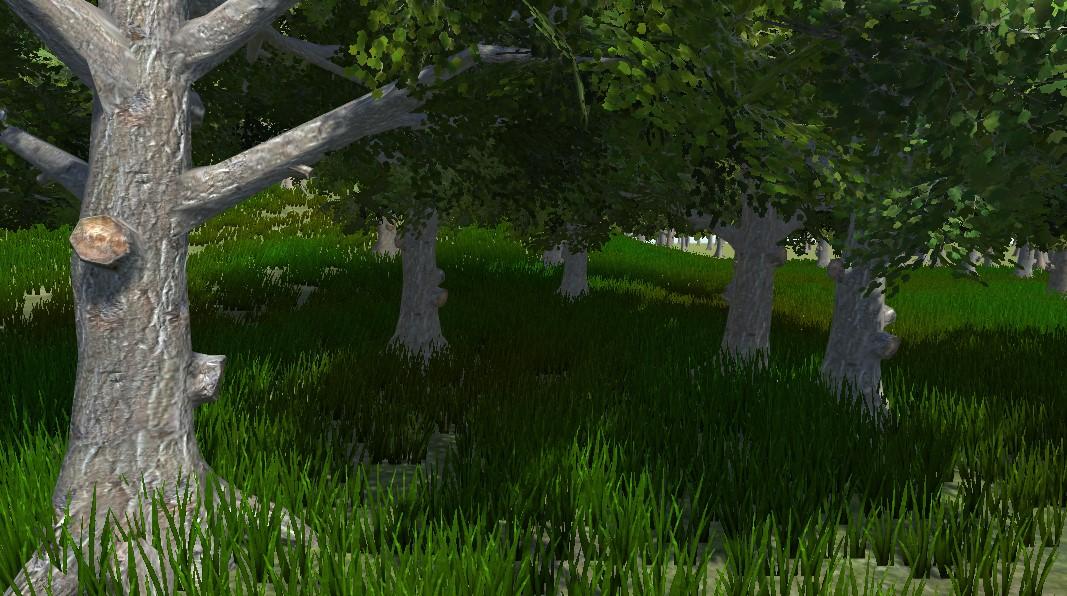
Trees
Trees add realism, interest, and a sense of place to a terrain.
There are two ways to create new tree models:
- Use the Tree Editor to create tree models in the Unity Editor. The Tree Editor works only with the Built-In Render Pipeline. For most uses, the SpeedTree Modeler replaces the Tree Editor. For backward compatibility with content created before SpeedTree was introduced, use Tree Editor.
- Use the SpeedTree Modeler to create trees with advanced visual effects, such as smooth level of detail (LOD) transition, fast billboarding, and natural wind animation. SpeedTree supports the Built-In Render Pipeline, the Universal Render Pipeline (URP), and the High Definition Render Pipeline (HDRP). For more information, refer to the SpeedTree Modeler documentation.
| Topic | Description |
|---|---|
| Create trees with Tree Editor | Create trees in the Unity Editor with the Tree Editor. For the Built-In Render Pipeline only. |
| Import trees from SpeedTree | Import and use trees from SpeedTree for any render pipeline. |
| Tree level of detail (LOD) | Learn how Tree Editor and SpeedTree optimize tree rendering. |
| Add collision to trees | Add collision to trees with a Capsule Collider or a SpeedTree Collision object. |
| Add trees to the terrain | Add trees with the Paint Trees tool. |
| Animate trees with Wind Zones | Use the Wind Zone GameObject to animate tree movement. |