Angel Ring Projection Settings
The Angel Ring effect for UTS expresses shine or luster in hair. This effect always appears in a fixed position as seen from the camera.
Angel Ring requires:
- Unity Toon Shader mode set to With Additional Control Maps.
- 2nd UV in the model.
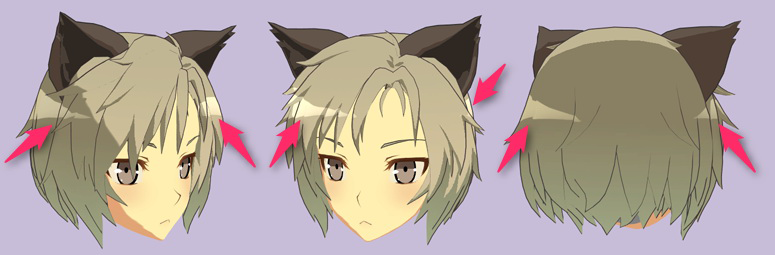
Angel Ring Projection
Enable the Angel Ring effect for UTS, which expresses shine or luster in hair.
Angel Ring
Angel Ring: Texture(sRGB) × Color(RGB). Default: Black.
Unity Toon Shader adds the color to the lighting results, and you can also clip the effect using the alpha of the texture. See Alpha Channel as Clipping Mask for details.
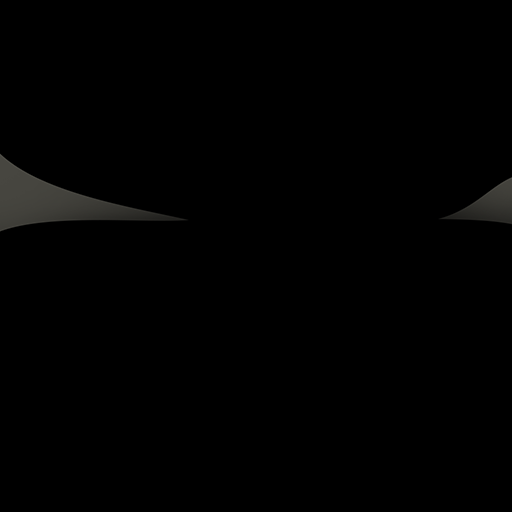
Angel Ring Texture Example
Offset U and V
- Offset U: Adjusts the Angel Ring's shape in the horizontal direction.
- Offset V: Adjusts the Angel Ring’s shape in the vertical direction.
Alpha Channel as Clipping Mask
The texture's alpha channel acts as a clipping mask. When disabled, alpha has no effect.
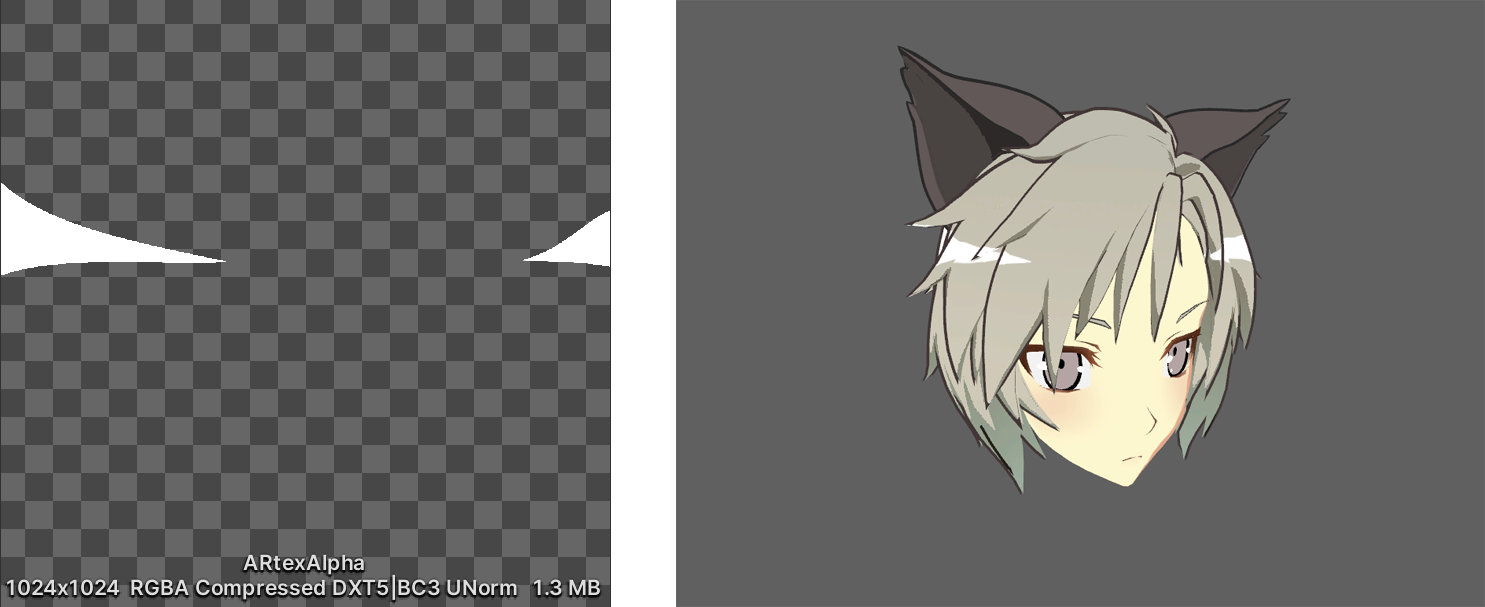
Left: The alpha of the Angel Ring texture. Right: Output with Alpha Channel as Clipping Mask enabled.