Creating a Notification Effect
The Notification Effect allows you to display a custom message on the HUD when a player interacts with an object. This is useful for providing feedback, story elements, or gameplay hints.
Prerequisites: You should have a ModularInteractable object in your scene. If you don't, follow the Create a Pickup tutorial to create one.
You can also test with any of the ModularInteractables in the [BB] Platformer scene
Steps
1. Add the Effect Component
- Select your ModularInteractable object in the scene.
- In the dropdown, select Send Notification Effect.
2. Configure the Notification
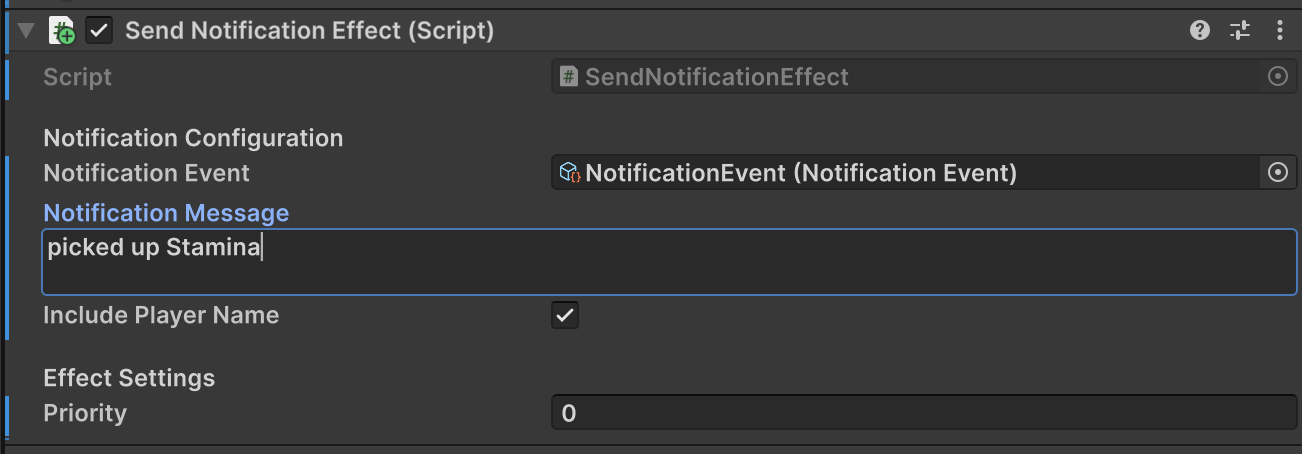
Configure the component settings as follows:
- Notification Event: Assign the
NotificationEventasset.- Location:
Assets/Core/GameEvents/Player/NotificationEvent.asset
- Location:
- Notification Message: Enter the text you want to display (e.g., "Secret Found!", "Door Unlocked").
- Include Player Name: Check this if you want the interactor's name to appear before the message (e.g., "PlayerOne: Secret Found!").
3. Test in Play Mode
- Enter Play Mode.
- Interact with the object
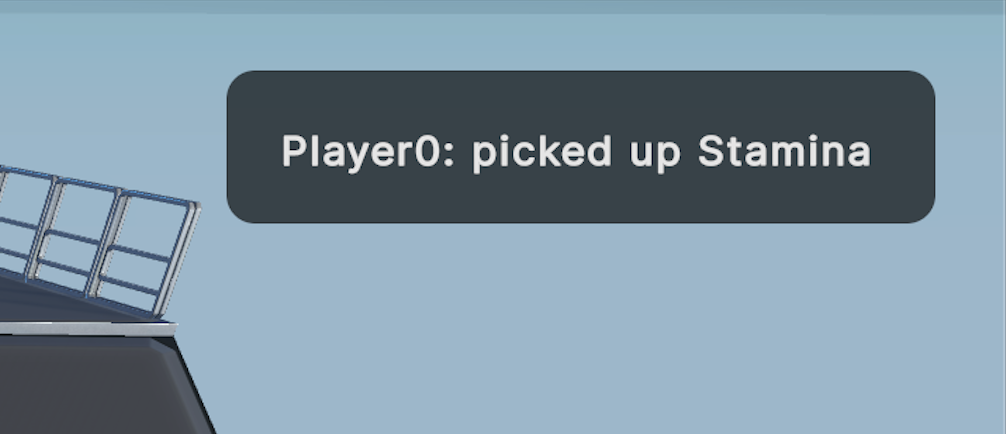
- Observe the notification appear in the top-right corner of the screen.