About project-wide actions
You can assign an individual action asset to be available "project-wide", which means the actions within that asset are available more conveniently through the Input System API without needing to set up references to the asset.
When you assign an action asset as project-wide, it also becomes automatically preloaded when your app starts up, and is kept available until it terminates.
Unless you have specific project requirements that require more than one action asset, the recommended workflow is to use a single action asset assigned as the project-wide actions.
Edit project-wide actions
Once you have created and assigned project-wide actions, the Input System Package page in Project Settings displays the Actions Editor interface. Read more about how to use the Actions Editor to configure your actions.
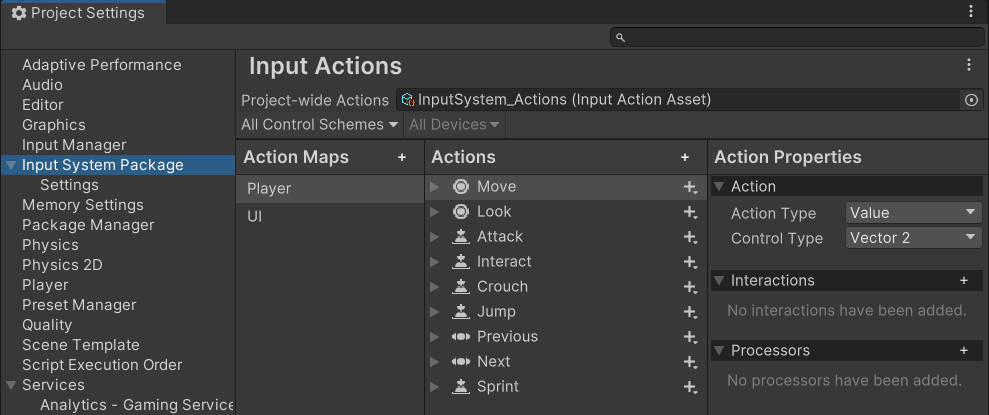 The Input System Package Project Settings after creating and assigning the default actions
Using project-wide actions in code
The benefit of assign an action asset as the project-wide actions is that you can access the actions directly through the InputSystem.actions property directly, rather than needing to set up a reference to your action asset first.
For example, you can get a reference to an action named "Move" in your project-wide actions using a line of code like this:
InputSystem.actions.FindAction("Move");
Project-wide actions are also enabled by default.