Create a test
To create a test through the Test Runner window:
- Create your Test Assembly folder and select it in the Project window.
- Open the Test Runner window (menu: Window > General > Test Runner).
- Click the Create a new Test Script in the active path button in the Test Runner window.
Alternatively, use the Asset menu:
- In the Project window, select the new folder.
- Create a new test script in the folder (menu: Assets > Create > Testing > C# Test Script).
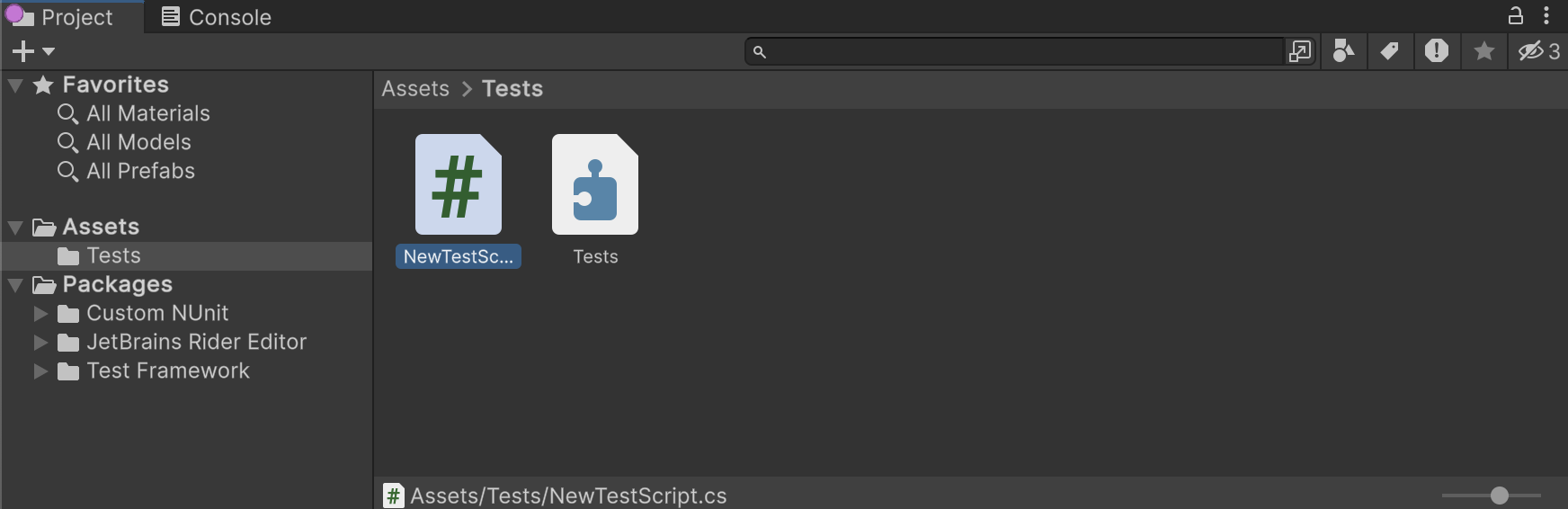
This creates a NewTestScript.cs file in the Tests folder with some sample tests to get you started. Change the name of the script, if necessary, and press Enter to accept it.
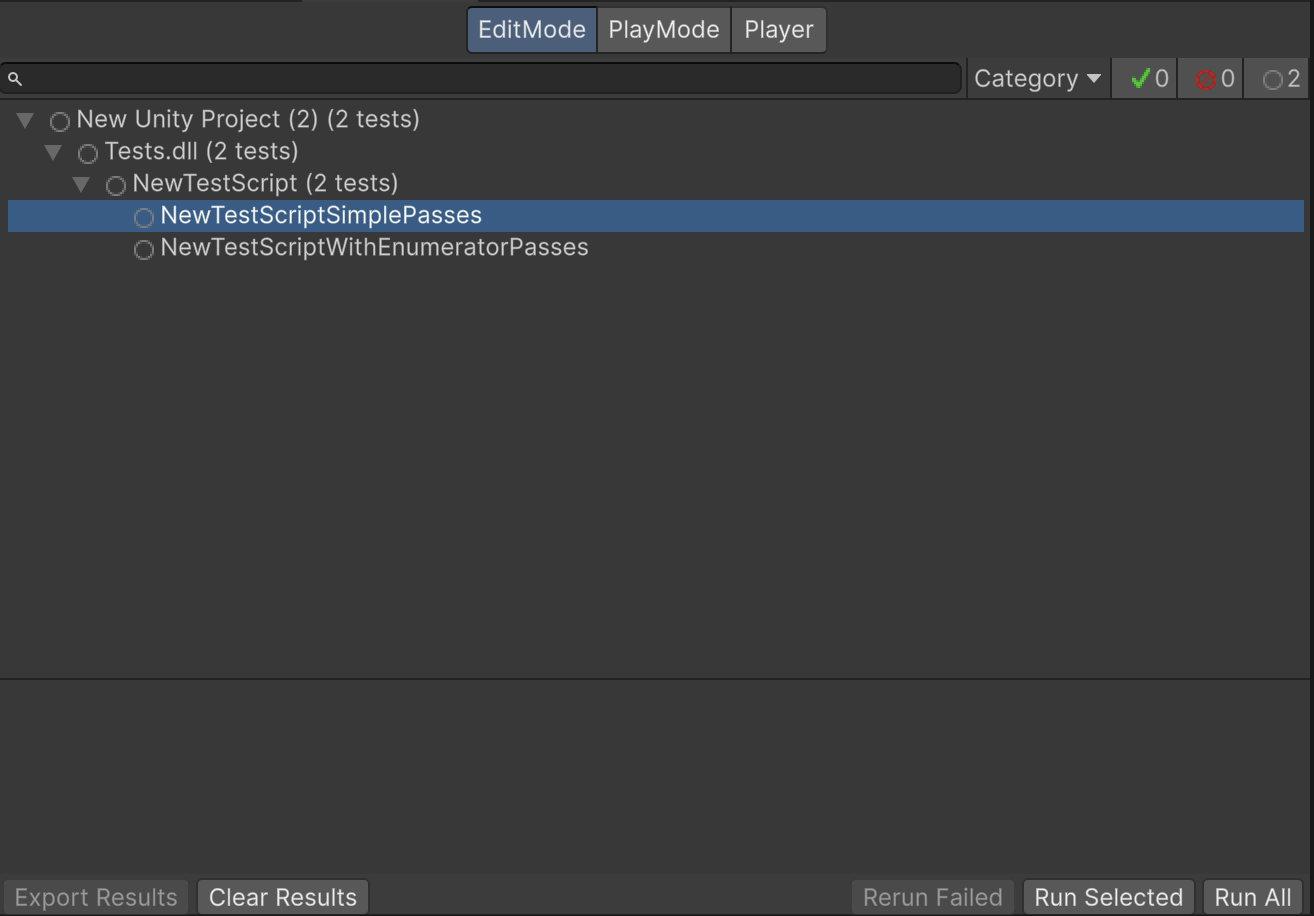
The Test Runner window now displays the sample tests:
You can now open the tests for editing in your IDE.
Creating Play mode tests
The process for creating a Play mode test is the same as for creating an Edit mode test. The only difference is that Play mode tests that need to run in a standalone platform Player should be in an assembly that references the required platform.