Sprite atlases
If you use a separate texture for each of your sprites, Unity has to create and send a separate draw call to the GPU for each texture. As a result, performance can decrease.
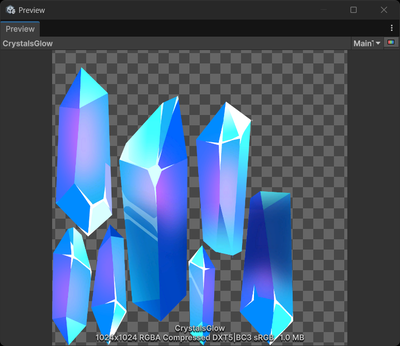
To reduce the number of draw calls, create a sprite atlas. A sprite atlas combines multiple textures into a single texture. Unity only needs to create one draw call for all the sprites in a sprite atlas.
Note: If you use the Scriptable Render Pipeline Batcher, the number of draw calls might not decrease, but performance still improves a similar amount.
For more information, refer to Create a sprite atlas.
Assigning sprites to different sprite atlases
To avoid Unity sending multiple sprite atlases in a draw call, the recommended best practice is to create separate sprite atlases for the following:
- Each set of sprites you use at the same time, for example a different sprite atlas for each scene. This avoids Unity loading unused sprites into memory, or creating multiple combined textures for a large number of sprites.
- Sprites that need different compression settings. For example, create a sprite atlas for highly detailed character sprites, and a separate sprite atlas for less-detailed environment sprites.
- Frequently used and infrequently used sprites.
To report on and analyze the performance of your sprite atlases, refer to Get started with the Sprite Atlas Analyzer in the 2D Tooling package.
Additional resources
- Sprite atlas best practices in Unity 6 on the Unity YouTube channel
- 2D game art, animation, and lighting for artists