Visual Effect Graph
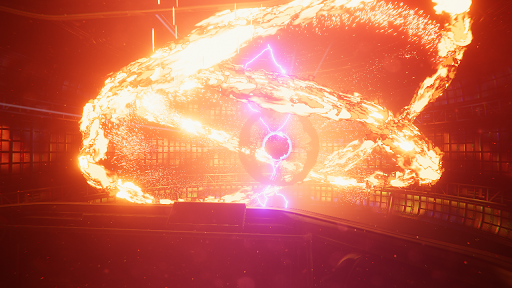
The Visual Effect Graph is a package that you can use to create large-scale visual effects for your Unity Project. The Visual Effect Graph simulates particle behavior on the GPU, which allows it to simulate many more particles than the Built-in Particle System. If you want to create visual effects that include a large number of particles and need highly customisable behavior, use the Visual Effect Graph instead of the Built-in Particle System. For information on how to install and use the Visual Effect Graph, see the getting started guide.
| Topic | Description |
|---|---|
| VFX Project Settings | Reference for the VFX tab in the Project Settings window that controls Visual Effect Graph settings. |
| Visual Effect Graph asset | Reference for the asset that contains all necessary data to process a visual effect. |
| Block Subgraph asset | Reference for a subgraph asset that packages operators and blocks together to use as a single block. |
| Operator Subgraph asset | Reference for a subgraph asset that packages operators together to use as a single operator. |
| Visual Effect component | Reference for the component that provides basic controls to configure a Visual Effect instance in a scene. |
| Property Binder component | Reference for the component that connects scene values to exposed properties for an attached Visual Effect instance. |
Additional resources
- Visual Effect Graph package
- Particle effects
- Lens flaresA component that simulates the effect of lights refracting inside a camera lens. Use a Lens Flare to represent very bright lights or add atmosphere to your scene. More info
See in Glossary