Sprite atlases
If you use a separate texture for each of your sprites, Unity has to create and send a separate draw call to the GPU for each texture. As a result, performance can decrease.
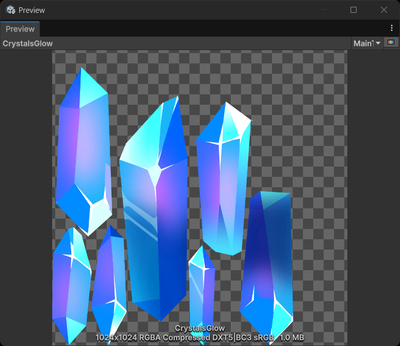
To reduce the number of draw calls, create a sprite atlas. A sprite atlas combines multiple textures into a single texture. Unity only needs to create one draw call for all the sprites in a sprite atlas.
Note: If you use the Scriptable Render Pipeline Batcher, the number of draw calls might not decrease, but performance still improves a similar amount.
For more information, refer to Create a sprite atlas.
Assigning sprites to different sprite atlases
To avoid Unity sending multiple sprite atlases in a draw call, the recommended best practice is to create separate sprite atlases for the following:
- Each set of sprites you use at the same time, for example a different sprite atlas for each scene. This avoids Unity loading unused sprites into memory, or creating multiple combined textures for a large number of sprites.
- Sprites that need different compression settings. For example, create a sprite atlas for highly detailed character sprites, and a separate sprite atlas for less-detailed environment sprites.
- Frequently used and infrequently used sprites.
Additional resources
- Sprite atlas best practices in Unity 6 on the Unity YouTube channel
- 2D game art, animation, and lighting for artists