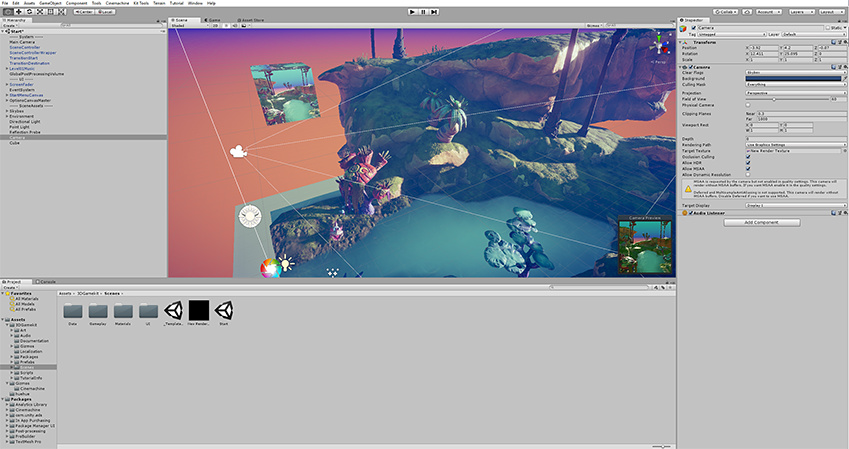
Render a camera view to a Render Texture
A Render Texture is a type of TextureAn image used when rendering a GameObject, Sprite, or UI element. Textures are often applied to the surface of a mesh to give it visual detail. More info
See in Glossary that Unity creates and updates at run time. To use a Render Texture, create a new Render Texture using Assets > Create > Render Texture and assign it to Target Texture in your CameraA component which creates an image of a particular viewpoint in your scene. The output is either drawn to the screen or captured as a texture. More info
See in Glossary component. Then you can use the Render Texture in a MaterialAn asset that defines how a surface should be rendered. More info
See in Glossary just like a regular Texture.
To create a live scene camera in your game, follow these steps:
- To create a Render Texture, go to Assets > Create > Rendering > Render Texture.
- Select GameObject > Camera to create a second camera.
- Assign the Render Texture to the Target Texture property in the second camera’s Inspector window.
- Select GameObject > 3D Object > Quad to create a quad.
- Drag the Render Texture onto the quad. Unity automatically creates and assigns a material that uses the Render Texture.
- Enter Play mode. The quad displays the camera view, which updates in real time.