Particle effects
A particle system simulates and renders many small images or Meshes, called particles, to produce a visual effect. Each particle in a system represents an individual graphical element in the effect. The system simulates every particle collectively to create the impression of the complete effect.
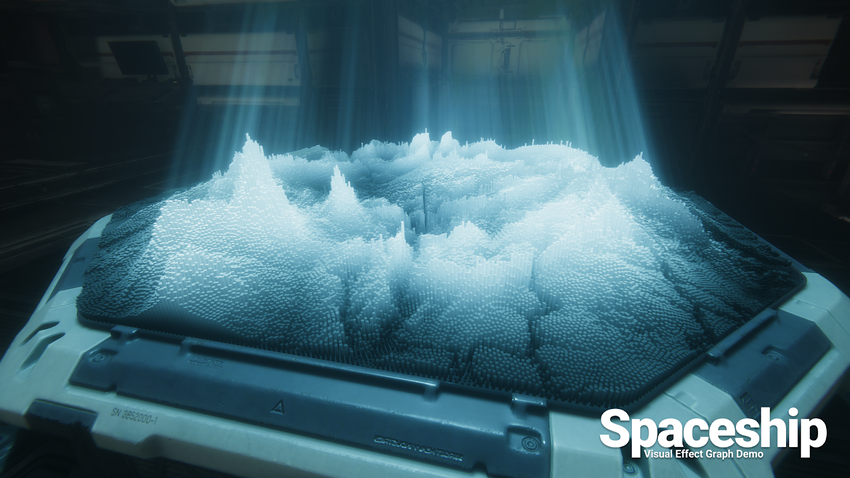
Particle systems are useful when you want to create dynamic objects like fire, smoke, or liquids because it is difficult to depict this kind of object with a Mesh (3D) or Sprite (2D). Meshes and Sprites are better at depicting solid objects such as a house or a car.
This section contains information on:
| Topic | Description |
|---|---|
| Choosing your particle system solution | Compare Unity’s particle systems: the Built-in Particle System and the Visual Effect Graph. |
| Create and view a Particle System | Add a Particle System component to a GameObject and preview it in the Scene view. |
| Vary Particle System properties over time | Use constants and curves to animate numeric properties throughout a particle’s lifetime. |
| Configuring particles | Configure emissions, global properties, movement, appearance, and physics. |
| Optimize the Particle System with the C# Job System | Apply custom behaviors across multiple threads using Unity’s C# Job System. |
| Access the Particle System from the Animation system | Use the Animator component to keyframe particle properties. |
| Particle System component reference | Reference for the base properties of the Particle System component. |
| Particle System component module reference | Reference for the property modules that define particle behavior and appearance. |
Additional resources
- Decals
- Lens flaresA component that simulates the effect of lights refracting inside a camera lens. Use a Lens Flare to represent very bright lights or add atmosphere to your scene. More info
See in Glossary