Unity Hub
The Unity Hub is a standalone application that you can use to navigate, download, and manage your Unity projects and installations.
Tip
For information on how to create a game in Unity, refer to the documentation on the Unity User Manual website, or the tutorials on Unity Learn. After you download and install the Hub, you can also access tutorials in the Learn tab.
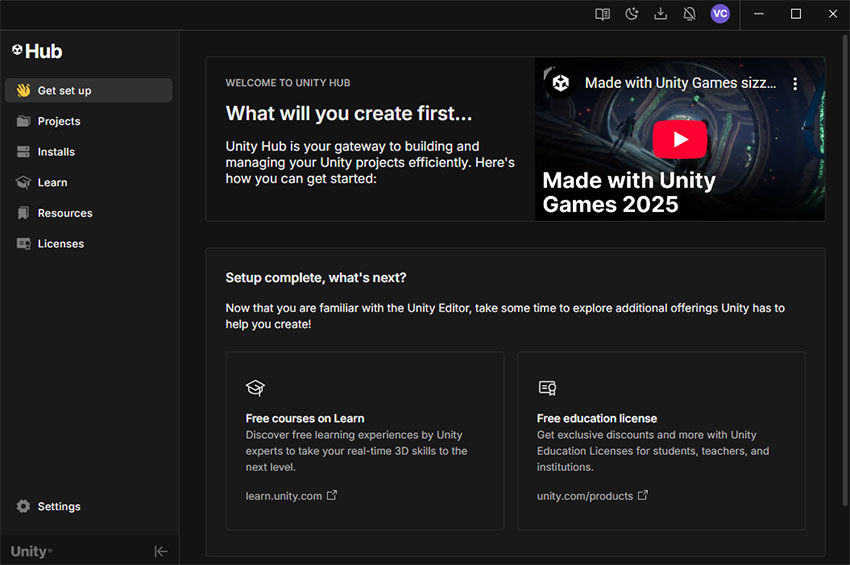
Use the Hub to:
- Manage, download, and install modules and versions of the Unity Editor.
- Create and manage your Unity projects.
- Explore templates, sample projects, and learning material.
- Manage your profile, settings, and Unity licenses.
- Send feedback and get help from Unity.