Input Action Manager
Automatically enable or disable all actions in a list of InputActionAsset files.
The Input Action Manager provides a convenient way to enable actions that you use in a scene. Input actions must be enabled before they can be used. You can also use this component to turn sets of actions on or off depending on context.
Refer to Enabling actions for more information about how to turn input actions on or off.
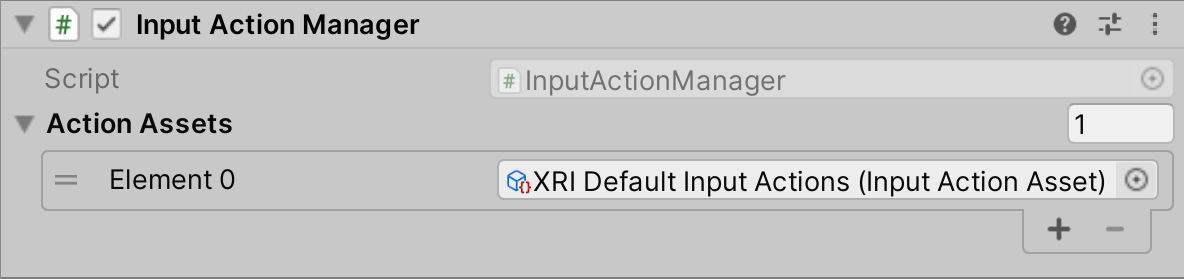
The Input Action Manager showing all properties.
Input Action Manager properties
The Input Action Manager contains the following properties:
| Property | Description |
|---|---|
| Action Assets | The InputActionAsset files this component manages. All input actions defined in these assets are automatically enabled or disabled to match this component's state, in response to OnEnable and OnDisable calls from MonoBehaviour. |