Meshing sample scenes
Meshing samples demonstrate AR Foundation Meshing functionality. You can open these samples in Unity from the Assets/Scenes/Meshing folder.
Tip
AR Foundation samples are supported on platforms that support the demonstrated feature. To check whether a feature is supported on your chosen platform, refer to the Platform support table and the documentation for that feature.
To understand each of the meshing sample scenes, refer to the following sections:
| Sample | Description |
|---|---|
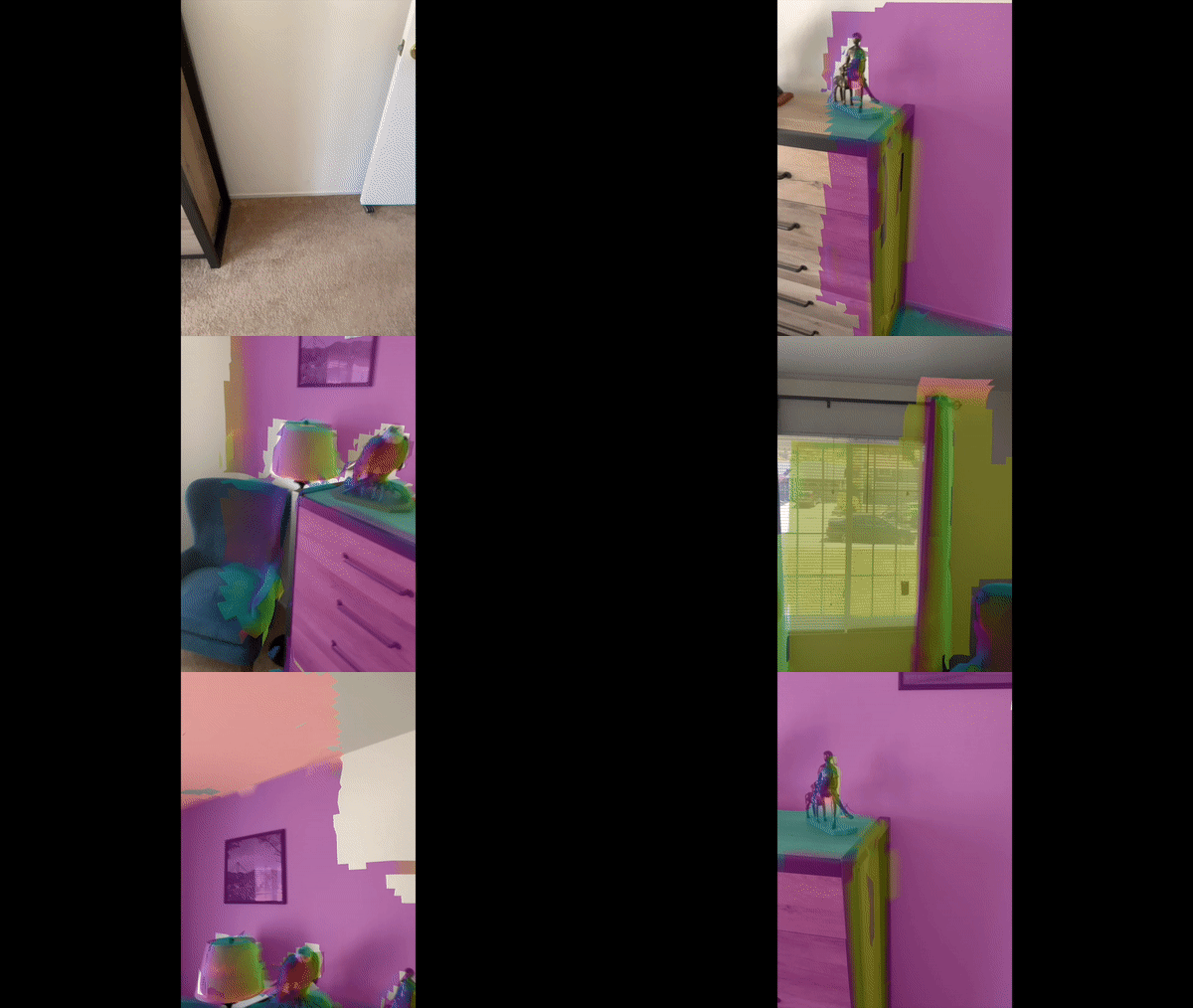
| Normal meshes | Renders an overlay on top of the real world scanned geometry illustrating the normal of the surface. |
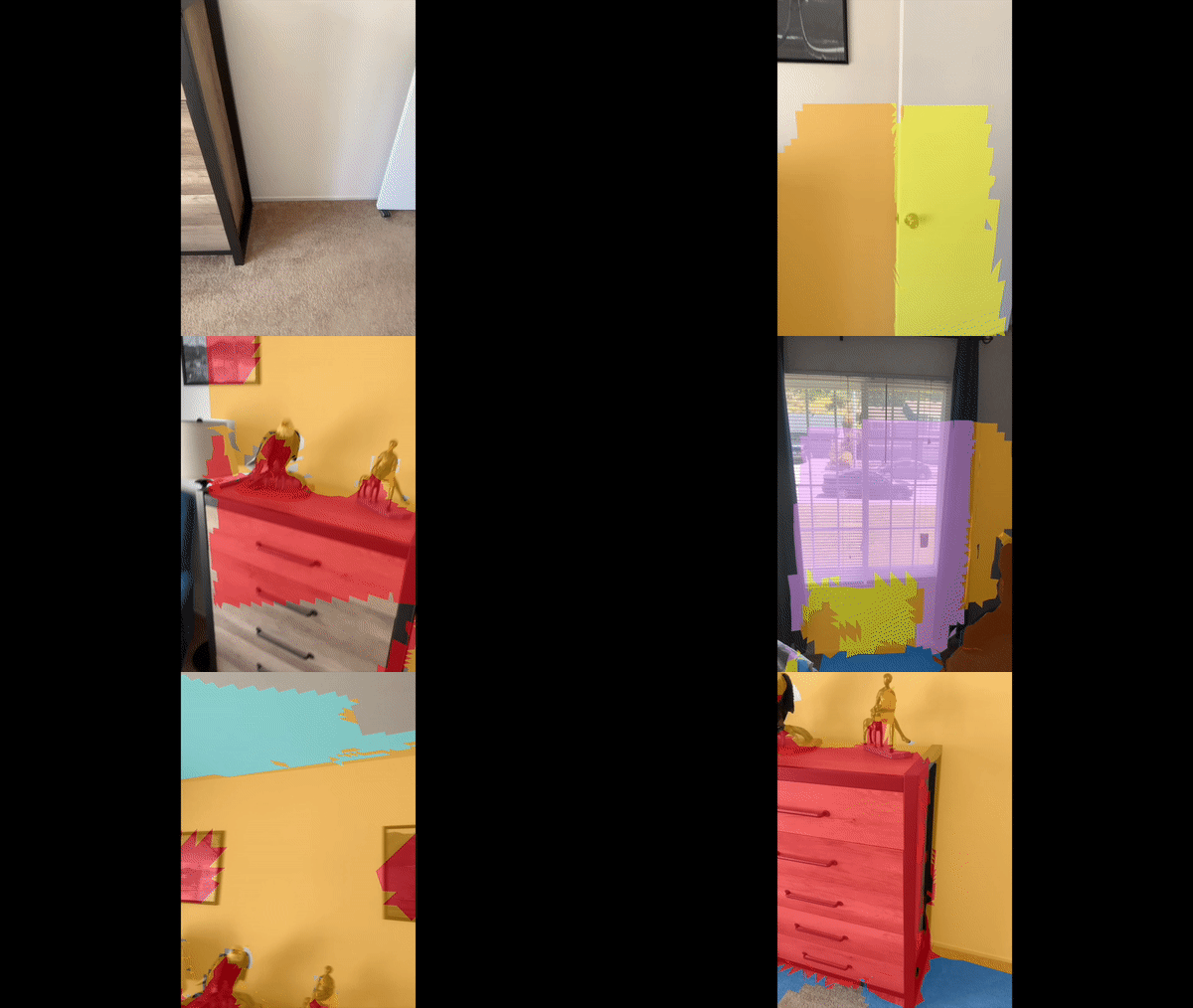
| Classification meshes (ARKit) | Demonstrates mesh classification functionality. |
Requirements
The meshing sample scenes use features of some devices to construct meshes from scanned data of real world surfaces. These meshing scenes will not work on all devices. Refer to the meshing documentation for your target platform to understand any platform-specific requirements.
Normal meshes scene
The Normal Meshes scene renders an overlay on top of the real world scanned geometry illustrating the normal of the surface.
Classification meshes scene
The Classification Meshes scene demonstrates mesh classification functionality.
With mesh classification enabled, each triangle in the mesh surface is identified as one of several surface types. This sample scene creates submeshes for each classification type and renders each mesh type with a different color.
Apple and ARKit are trademarks of Apple Inc., registered in the U.S. and other countries and regions.