Vertical Offset
Important
This package is deprecated. From Unity 2023.2, TextMesh Pro is part of the Unity UI (uGUI) package. For current documentation, refer to TextMesh Pro in the Unity UI package.
Use the <voffset> tag to offset the text baseline vertically. This adjusts the line height accordingly to accommodate the text's offset position. You can compensate for that adjustment by manually adjusting the line height.
Specify the offset in pixels or font units. The offset is always relative to the original baseline.
The </voffset> closing tag resets the baseline back to its original position.
Example:
Up <voffset=1em>up <voffset=2em>UP</voffset> and <voffset=-0.5em>down</voffset> we go again.
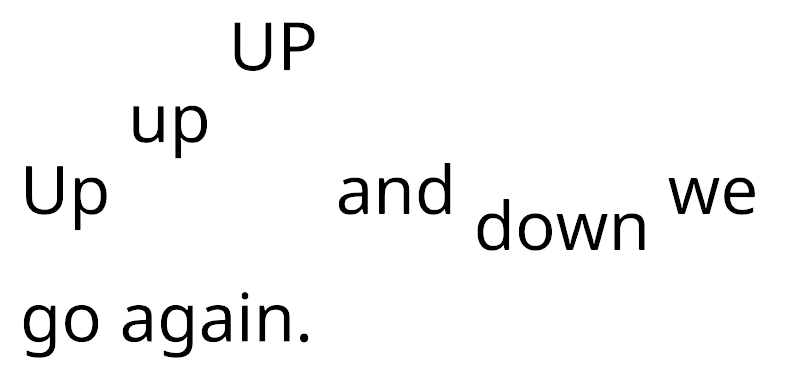
Vertical offset