Authentication Sample
Installation
1) Create a new Unity project and install the package, see Installation for details.
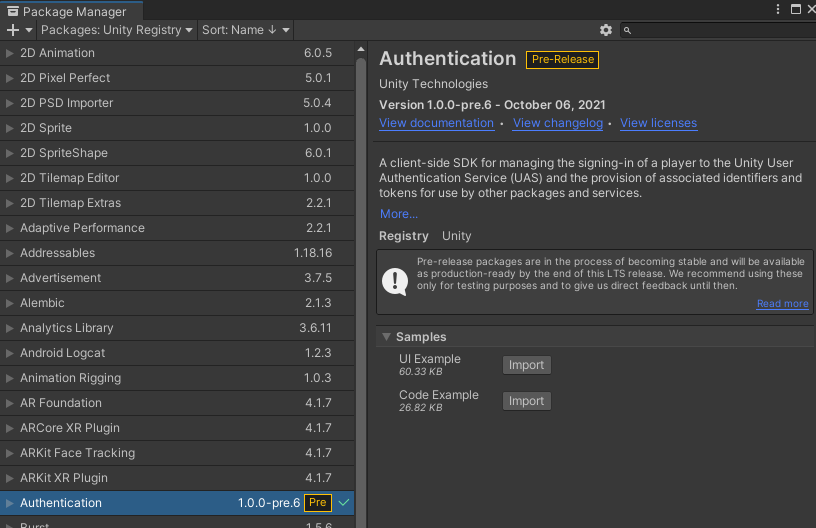
2) Install the Authentication Samples from the package manager window by clicking the Import button next to UI Example and Code Example.
3) Link the project using the steps in the Setup Guide
3) Open the AnonymousLoginUIExample Unity scene located in Assets/Samples/Authentication/version/UI Example/
The version number will depend on the package version.
4) Play the scene in the editor
For the FacebookLoginUIExample scene the game developer will need to provide a valid access token from facebook.