Local instances
Local instances are built and run on your local machine or connected devices. They provide a more realistic testing environment closer to your final build while maintaining quick iteration cycles.
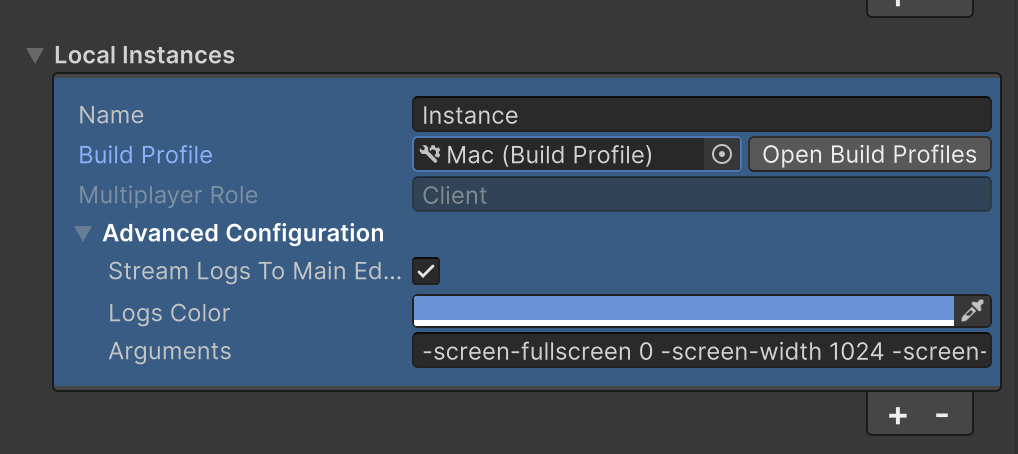
Local instances support both desktop and Android platforms.
Configure your instance
To configure a local instance:
- In the Play Mode Scenarios window, select Add Instance.
- Select Local from the instance type dropdown.
- Choose your target platform by selecting a build profile (Windows, Mac, Linux, or Android).
- Configure build settings and runtime parameters as needed.
Android device testing
Android device testing allows you to test your project on physical mobile hardware.
To connect an Android device, follow the steps here: Connect to a device.
To learn more about the properties that you can use to configure a local instance, refer to Play Mode Scenarios window reference.