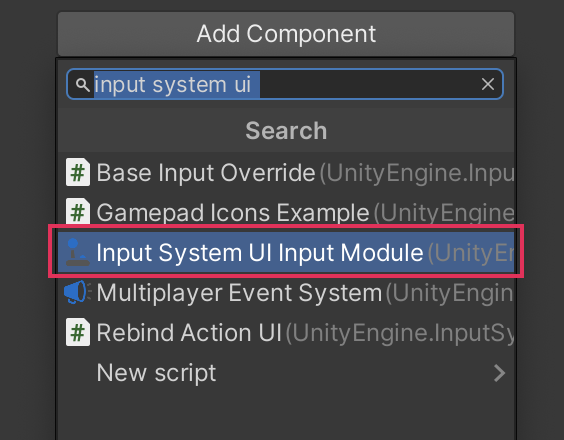
Access the UI Input Module component
The UI Input Module is a component that passes input actions from the Input System to the UI in your scene.
You must add the UI Input Module to a GameObject in your scene, so that the UI can receive input from the Input System. To do this:
- Create a new empty GameObject
- Click Add Component in the Inspector
- In the search field displayed, type
input system ui. - Select Input System UI Input Module to add it to the GameObject.