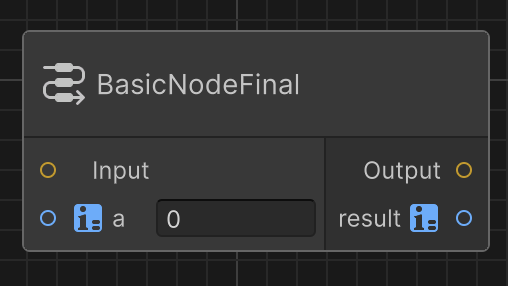
Instantiate nodes in your graph
Important
This experimental package is deprecated and no longer supported as of Unity version 6.4. Unity Graph Toolkit is included as a module in the Editor as of Unity version 6.4 and later, and does not require a separate installation. You can find the samples and accompanying documentation in the Unity Graph Toolkit samples package com.unity.graphtoolkit-samples.
You need to implement a node, as described in Implement a node, before instantiating a node.
To instantiate a node:
- Right-click on the graph canvas then select
Create node...to open the graph item library window. - Navigate to the Nodes category.
- Double-click on your node name to add it to your graph.
- You can click on the
iicon on the top-right corner of the graph item library window to have a preview of the selected node.
- You can click on the