Use case: Generate an Offline Dataset
This use case outlines how to generate and download a dataset from the Asset Manager.
To accomplish this use case, do the following:
- Upload an asset to the Asset Manager
- Download the asset
How do I...?
Upload an asset to the Asset Manager
To upload an asset, follow these steps
Download the asset
To download an asset, follow these steps:
Go to the Asset Manager Dashboard
Select your asset and click the
Downloadbutton.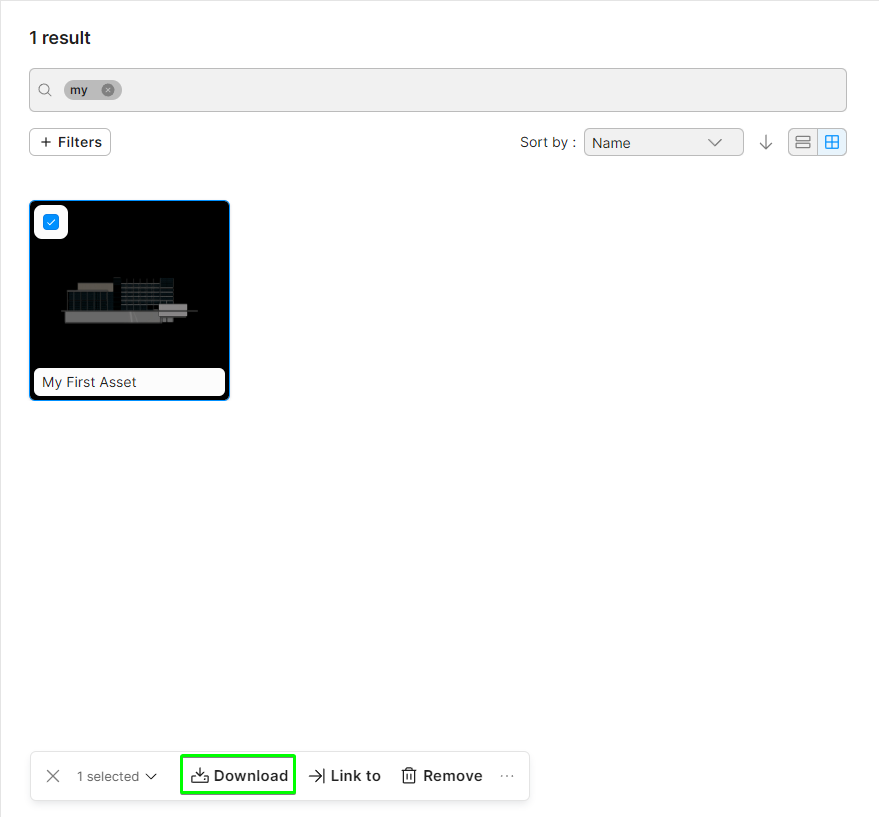
Unzip the archive where desired.
Delete any files in the folder that are not .glb or .json files as they are not required.
You now have a folder that contains a tileset.json which can be used as the entry point for Data Streaming. To stream a model offline, refer to the Use case: Load a model from StreamingAssets