Paint a line of tiles
To paint a line of tiles, use the line brush in the Tile Palette window. Follow these steps:
- Open the Tile Palette window.
- In the Brush Inspector section at the bottom, set the brush to Line Brush.
- Select the Paint with Active Brush () tool and select a tile.
- Click once in the Scene view to start the line, and again to end the line.
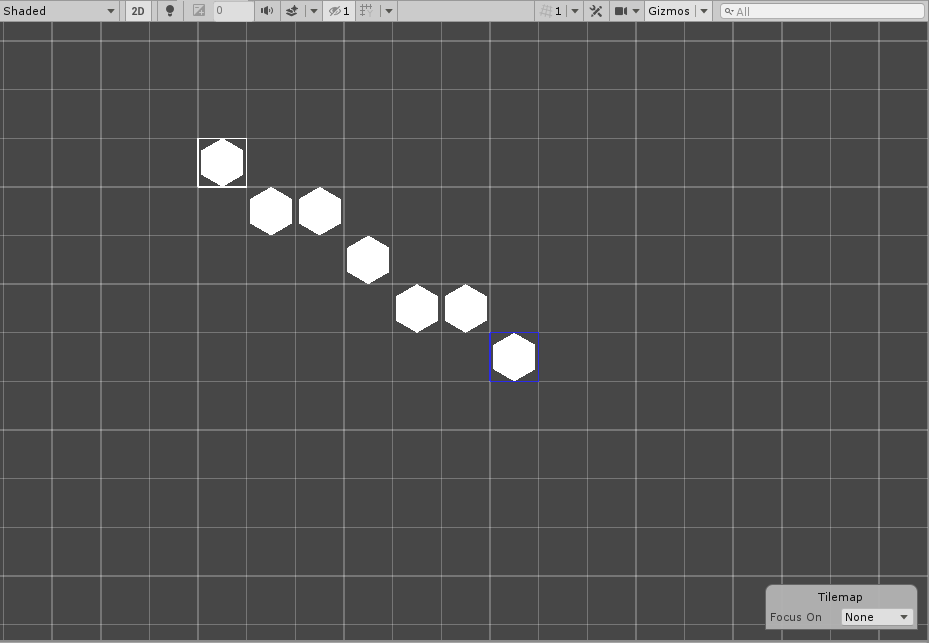
To avoid gaps when you paint diagonal lines, enable Fill Gaps in the Brush Inspector window.
Line Brush Inspector window properties
| Property | Function |
|---|---|
| Fill Gaps | Adds extra tiles to prevent gaps when tiles connect only diagonally. |
| Line Start | After you click once in the Scene view to start the line, displays the position of the start tile. Enter different values to change the position of the start tile. |
| Lock Z Position | Locks all the tiles in the line to the z position of the start tile. |
| Scene View Z Position | Paints the line at this z position. This property is available only if you disable Lock Z Position. |
| Palette Z Position | Paints a line in the tile palette at this z position. This property is available only if you disable Lock Z Position. |